Author: chrisomo

  • IT and Cybersecurity Jobs Outlook 2026: What BLS Data Shows

    The Uptime Report · Research

    IT and Cybersecurity Jobs Outlook 2026: What BLS Data Shows

    Data journalism by The Uptime Report · Based on U.S. Bureau of Labor Statistics data · Last updated October 2026

    The 2026 IT labor market is splitting in two. Information security analyst jobs are projected to grow 21% from 2025 to 2035, adding 40,600 positions, while general IT support and system administration roles are projected to decline 3% to 4% as routine work automates, according to U.S. Bureau of Labor Statistics data.

    The data: IT roles by pay, employment, and 10-year outlook

    Role Median pay (2025) Employment (2025) Growth 2025-35 Projected change Notes
    Information Security Analysts
    SOC 15-1212
    $129,180 192,900 +21% +40,600 Much faster than average
    Network & Computer Systems Administrators
    SOC 15-1244
    $99,130 323,600 -4% -13,200 Decline; ~13,400 annual openings
    Computer User Support Specialists
    SOC 15-1232
    $62,890 903,100 -3% -24,300 Decline; ~48,700 annual openings

    Median annual pay by role (BLS, 2025)Information Security Analysts$129,180Network & Sys Admins$99,130Computer Support Specialists$62,890Source: U.S. Bureau of Labor Statistics, Occupational Outlook Handbook, 2025 median pay.

    +21%
    Projected growth for information security analysts, 2025-2035
    BLS, much faster than average
    $66,290
    Pay gap between a security analyst and a support specialist
    Derived from BLS 2025 median pay
    -3% to -4%
    Projected decline for support and sysadmin roles
    BLS, 2025-2035

    Key findings

    • Security pays a 105% premium over support. The 2025 median for an information security analyst was $129,180, versus $62,890 for a computer user support specialist, a gap of $66,290 (U.S. Bureau of Labor Statistics, 2025).
    • Security roles are projected to grow 21% through 2035, adding 40,600 jobs, the fastest among the IT roles examined (BLS Occupational Outlook Handbook).
    • Support and administration roles are projected to decline. Computer user support specialists are projected to fall 3% (a loss of 24,300 jobs) and network and computer systems administrators 4% (a loss of 13,200), even as both still generate tens of thousands of replacement openings a year (BLS).
    • Support remains the largest IT role by headcount at 903,100 jobs in 2025, nearly five times the size of the security analyst workforce (192,900), so the automation pressure touches a very large base (BLS).
    • Replacement demand outlasts the decline. Despite projected contraction, BLS still projects about 48,700 annual openings for support specialists and 13,400 for sysadmins, largely to replace workers who change careers or retire.

    What the numbers mean for managed service providers

    The divergence has a clear operational reading. The routine, high-volume work that fills a Tier 1 help desk, password resets, common how-to questions, is exactly the work automation and self-service tools are absorbing, which is reflected in the projected decline for support specialists. The work that is growing, and paying a six-figure median, is security.

    For an MSP or MSSP, that means the center of gravity is shifting from staffing routine support toward security services, where demand is projected to grow 21% and talent is scarce enough to command a $129,180 median. The providers positioned for the next decade are the ones building security capability, not just help desk capacity.

    What is new in this release

    These figures reflect the BLS 2025 median pay reference year and the 2025-2035 employment projection cycle, the most recent available as of October 2026. The projected decline for support and administration roles is a change in direction from prior cycles, when both were projected to grow, and reflects BLS’s assessment of automation and cloud consolidation reducing per-seat IT labor.

    Original analysis: the security premium

    We calculated the security pay premium directly from BLS 2025 median pay figures. The information security analyst median of $129,180 divided by the computer user support specialist median of $62,890 yields a ratio of 2.05, a 105% premium. The absolute gap is $66,290. This is a derived metric; both inputs are BLS 2025 medians, and the calculation assumes median-to-median comparison, which does not account for regional cost-of-living or experience distribution.

    Secondary questions

    Which IT job pays the most?

    Among the roles examined, information security analysts have the highest median pay at $129,180 per year (BLS, 2025), followed by network and computer systems administrators at $99,130.

    Is IT support a declining career?

    BLS projects computer user support specialist employment to decline 3% from 2025 to 2035, but the role still generates about 48,700 openings a year, mostly to replace departing workers. It remains a common entry point into higher-paying IT careers.

    Which IT job is growing fastest?

    Information security analyst is the fastest-growing role examined, projected to grow 21% from 2025 to 2035 (BLS), much faster than the average for all occupations.

    Frequently asked questions

    What is the median salary for an information security analyst?

    $129,180 per year, or $62.11 per hour, as of the BLS 2025 reference year.

    How many information security analyst jobs are there?

    192,900 in 2025, with 40,600 more projected by 2035 (BLS).

    What is the median salary for IT support?

    Computer user support specialists had a median of $62,890 per year in 2025 (BLS).

    Are IT support jobs being automated?

    BLS projects a 3% decline in support specialist employment through 2035, consistent with routine tasks shifting to automation and self-service, though tens of thousands of openings remain each year.

    What does a network administrator earn?

    The median for network and computer systems administrators was $99,130 per year in 2025 (BLS).

    Why are security jobs growing while support jobs decline?

    Routine support work is increasingly automated, reducing demand, while rising cyber threats drive demand for security analysts, which BLS projects to grow 21% through 2035.

    How many IT support openings are there each year?

    About 48,700 annual openings for computer user support specialists are projected over the decade, mostly to replace workers who leave the field (BLS).

    Is cybersecurity a good career in 2026?

    By the BLS data, it is among the strongest IT careers: a $129,180 median and 21% projected growth through 2035. This is data as published, not career advice.

    What is the source of this data?

    The U.S. Bureau of Labor Statistics Occupational Outlook Handbook, 2025 median pay and 2025-2035 employment projections.

    How current is this report?

    It reflects the BLS 2025 reference year and 2025-2035 projection cycle, the latest available as of October 2026.

    Methodology

    Sources. All employment, pay, and projection figures come from the U.S. Bureau of Labor Statistics Occupational Outlook Handbook, accessed October 2026, for four Standard Occupational Classification codes: 15-1212 (Information Security Analysts), 15-1244 (Network and Computer Systems Administrators), and 15-1232 (Computer User Support Specialists).

    Reference periods. Median pay figures are BLS 2025. Employment levels are 2025. Growth and change figures cover the 2025-2035 projection cycle.

    Derived metrics. The security pay premium (105%) and absolute gap ($66,290) were calculated from BLS 2025 median pay. The calculation is median-to-median and does not adjust for region, experience, or cost of living.

    Limitations. Median pay masks wide regional and experience variation. BLS projections are estimates subject to revision. This report covers national figures; state and metro breakdowns will follow in a separate release.

    Not advice. This report presents published labor data and derived comparisons. It is not career, financial, or hiring advice.

    Last updated: October 2026.

    How to cite this report

    The Uptime Report. “IT and Cybersecurity Jobs Outlook 2026: What BLS Data Shows.” Accessed October 2026.
    https://theuptimereport.com/research/it-cybersecurity-jobs-outlook-2026/
    Download the data. it-roles-outlook-2026.csv (CSV). Licensed under CC BY 4.0: free to reuse with attribution to The Uptime Report.

    References

    1. U.S. Bureau of Labor Statistics, Occupational Outlook Handbook, Information Security Analysts. Accessed October 2026.
    2. U.S. Bureau of Labor Statistics, Occupational Outlook Handbook, Computer Support Specialists. Accessed October 2026.
    3. U.S. Bureau of Labor Statistics, Occupational Outlook Handbook, Network and Computer Systems Administrators. Accessed October 2026.

    Research library

    More original data reports from The Uptime Report. Every report includes its methodology and a free CSV download. Browse all research

    Threats and breaches

    Infrastructure and uptime

    Regulation and disclosure

    Workforce and pay

    MSP market and spending

  • Data Virtualization: Accessing Data Without Moving It

    Data Virtualization: Accessing Data Without Moving It

    Data Virtualization: Accessing Data Without Moving It

    By The Uptime Report editorial team · Last updated October 2026

    Data virtualization lets you access and query data from many sources as if it were in one place, without physically copying or moving it. It gives a unified, real-time view across databases, clouds, and applications through a single virtual layer.

    Key takeaways

    • Data virtualization provides a unified view of data without moving or copying it.
    • It queries multiple sources in real time through one virtual layer.
    • It differs from ETL and warehouses, which physically consolidate data.
    • Benefits: faster access, less duplication, real-time data, lower storage cost.
    • It complements rather than replaces data warehouses for many use cases.
    1 layer
    unified view across many sources
    Data integration
    Real-time
    access without copying data
    Key benefit
    No ETL
    avoids physical data movement
    Architecture

    What is data virtualization?

    Data virtualization is a data-integration approach that lets applications and users access data from multiple, disparate sources, databases, cloud services, files, and applications, as if it were a single source, without physically moving or copying it. A virtual layer sits between the data consumers and the sources, translating queries and delivering a unified, real-time view (see the IBM overview). The data stays where it lives; the virtualization layer makes it look consolidated.

    How does data virtualization differ from ETL and data warehouses?

    Data virtualization ETL / warehouse
    Data movement None; accessed in place Physically copied and consolidated
    Freshness Real-time As of last load
    Storage Minimal duplication Duplicate storage
    Setup Faster to stand up Heavier pipeline

    Traditional ETL extracts, transforms, and loads data into a warehouse, a physical copy. Data virtualization leaves the data in place and queries it live.

    What are the benefits of data virtualization?

    • Real-time access: query live data, not a stale copy.
    • Less duplication: no second physical store to maintain.
    • Faster delivery: stand up a unified view without building pipelines.
    • Lower storage cost: avoid copying large datasets.

    When should you use data virtualization?

    It fits scenarios needing a unified, real-time view across scattered sources: analytics that must reflect current data, integrating cloud and on-premise systems, or giving users one access point without a full warehouse project. It does not replace warehouses for every case, heavy historical analytics and complex transformations still favor physical consolidation, but it complements them, often serving as the fast, flexible layer on top (Denodo explains the pattern).

    Frequently asked questions

    What is data virtualization?

    A data-integration approach that lets you access and query data from many sources as a single view in real time, without physically moving or copying it.

    How is data virtualization different from ETL?

    ETL physically extracts, transforms, and loads data into a warehouse; data virtualization leaves data in place and queries it live through a virtual layer.

    Does data virtualization replace a data warehouse?

    Not usually. It complements warehouses, serving as a fast, real-time layer, while warehouses remain better for heavy historical analytics and complex transformations.

    What are the benefits of data virtualization?

    Real-time access to live data, less duplication, faster delivery without building pipelines, and lower storage cost.

    When should you use data virtualization?

    When you need a unified, real-time view across scattered sources, such as analytics on current data or integrating cloud and on-premise systems.

    Is data virtualization the same as server virtualization?

    No. Server virtualization abstracts computing hardware; data virtualization abstracts data access across sources. They are unrelated concepts.

  • VoIP Call Center: How Cloud Contact Centers Work in 2026

    VoIP Call Center: How Cloud Contact Centers Work in 2026

    VoIP Call Center: How Cloud Contact Centers Work in 2026

    By The Uptime Report editorial team · Last updated October 2026

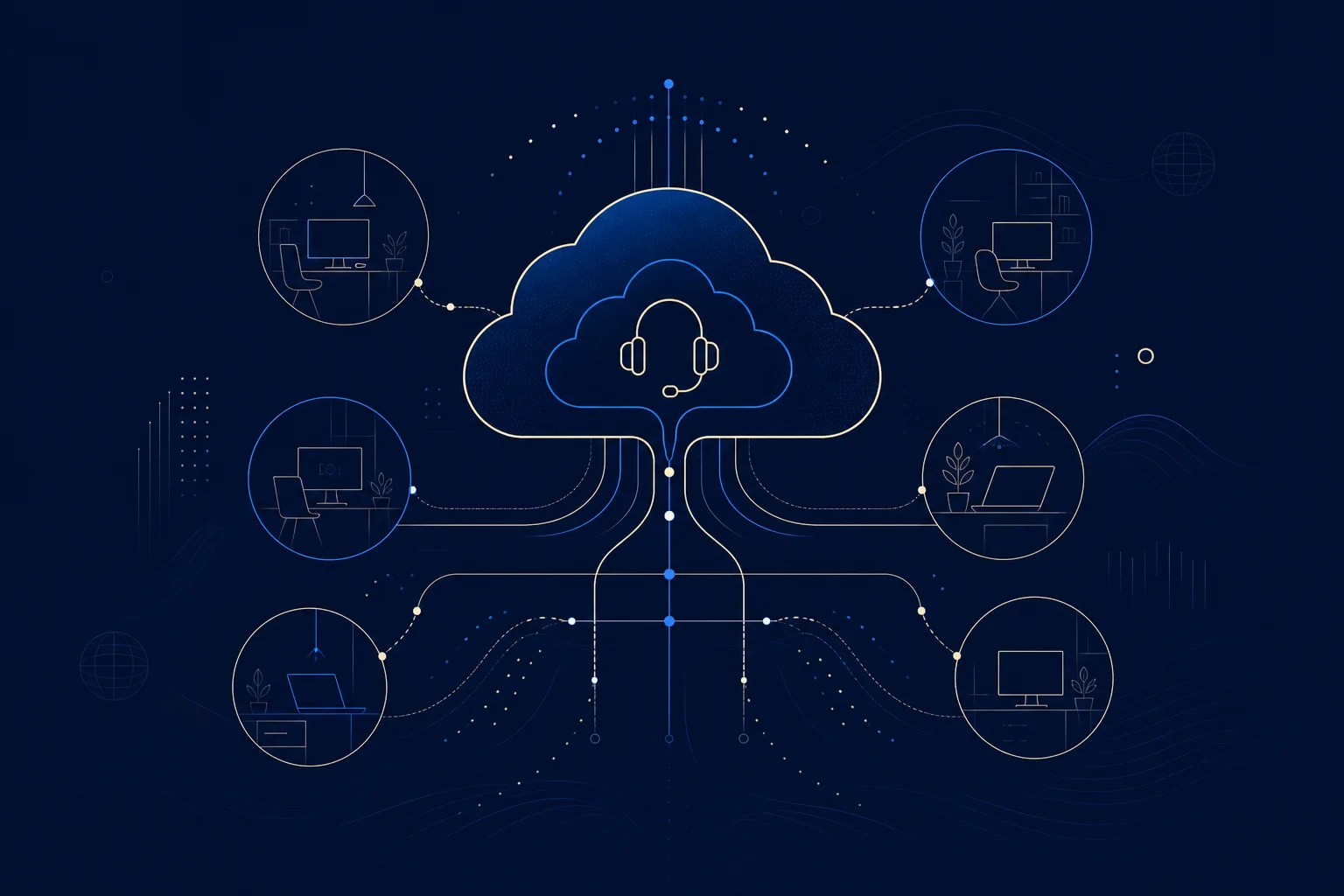
    A VoIP call center runs customer calls over the internet instead of traditional phone lines, and the model has gone cloud-first: 78% of call centers have migrated to cloud infrastructure, with 92% of new installations cloud-based.

    Key takeaways

    • 78% of call centers have migrated to the cloud; 92% of new installs are cloud-based.
    • The cloud contact center market is worth $40.35B in 2026, growing ~24% a year.
    • VoIP call centers enable remote agents; 73% of leaders plan long-term remote/hybrid.
    • Conversational AI is projected to cut contact center labor costs by $80B in 2026.
    • CCaaS (Contact Center as a Service) delivers the whole operation from the cloud.
    78%
    of call centers migrated to the cloud
    Ringly, 2026
    $40.35B
    cloud contact center market in 2026
    Mordor Intelligence, 2026
    92%
    of new contact center installs that are cloud-based
    2026 report

    What is a VoIP call center?

    A VoIP call center handles customer calls over the internet instead of traditional phone lines, using cloud software to route, queue, record, and analyze calls. Delivered as a service, it is called CCaaS (Contact Center as a Service), the whole operation running from the provider’s cloud. The shift is nearly complete: Ringly reports 78% of call centers have migrated to the cloud and 92% of new installations are cloud-based.

    How does a cloud VoIP call center work?

    Instead of on-premise telephony hardware, a VoIP call center runs on software that connects agents, wherever they are, to a cloud platform handling call distribution, IVR menus, queuing, recording, and reporting. Because it is internet-based, agents can work from anywhere, which is why 73% of call center leaders plan long-term remote or hybrid work. The cloud contact center market is worth $40.35 billion in 2026, growing about 24% a year.

    What are the benefits of a VoIP call center?

    • Remote agents: staff from anywhere, not just a building.
    • Scalability: add agents and capacity on demand.
    • Lower cost: no on-premise telephony hardware.
    • AI and analytics: automation and insight built in.

    AI is a major driver: conversational AI is projected to cut contact center labor costs by $80 billion in 2026.

    How is AI changing VoIP call centers?

    Fast. The AI call center market reached $2.98 billion in 2026 and is growing about 21% a year. Conversational AI now handles routine interactions, projected to automate 10% of agent interactions in 2026 (up from 1.6%), and assists human agents on the rest. The result is lower cost and faster resolution, though human agents remain central for complex issues. A VoIP call center is the platform that makes adding AI practical (Fortune Business Insights tracks the CCaaS market).

    Frequently asked questions

    What is a VoIP call center?

    A call center that handles customer calls over the internet instead of traditional phone lines, using cloud software to route, record, and analyze calls.

    What is CCaaS?

    Contact Center as a Service: a full call center operation delivered from a provider’s cloud, including call distribution, IVR, recording, and reporting.

    How many call centers use the cloud?

    78% of call centers have migrated to cloud infrastructure, and 92% of new contact center installations are cloud-based.

    What are the benefits of a VoIP call center?

    Remote agents, on-demand scalability, lower cost without on-premise hardware, and built-in AI and analytics.

    Can VoIP call center agents work remotely?

    Yes. Because it is internet-based, agents can work anywhere, which is why 73% of call center leaders plan long-term remote or hybrid work.

    How is AI used in VoIP call centers?

    Conversational AI handles routine interactions and assists agents, projected to automate 10% of interactions in 2026 and cut labor costs by $80 billion.

  • Cloud VoIP: How Hosted Phone Systems Work and What They Cost

    Cloud VoIP: How Hosted Phone Systems Work and What They Cost

    Cloud VoIP: How Hosted Phone Systems Work and What They Cost

    By The Uptime Report editorial team · Last updated October 2026

    Cloud VoIP delivers your business phone system entirely from a provider’s cloud, with no hardware to own. It has become the default: over 60% of companies in developed markets have moved to cloud voice, cutting communication costs 30-50%.

    Key takeaways

    • Cloud VoIP delivers phone service from the provider’s cloud, no hardware to own.
    • Over 60% of companies have migrated to cloud voice.
    • It cuts communication costs 30-50% versus landlines, up to 68% on usage plans.
    • Cloud softphones hold over 65% of the softphone market in 2026.
    • Call quality depends on network bandwidth, latency, and QoS prioritization.
    60%+
    of companies migrated to cloud voice
    Panterra, 2026
    30-50%
    cost savings versus landlines
    Industry surveys, 2026
    65%+
    cloud share of the softphone market
    Industry data, 2026

    What is cloud VoIP?

    Cloud VoIP is a business phone system hosted entirely in a provider’s cloud. Calls travel over the internet, and there is no on-premise PBX hardware to buy or maintain; users connect via desk phones, apps, or softphones. The move to cloud voice is nearly complete in developed markets: Panterra reports over 60% of companies have migrated, and cloud softphones now hold over 65% of the market.

    How does cloud VoIP differ from on-premise?

    Cloud VoIP On-premise
    Hardware None to own You buy and maintain it
    Cost Per user, monthly Upfront plus maintenance
    Updates Provider handles Your responsibility
    Scaling Instant Provision hardware

    How much does cloud VoIP cost?

    Cloud VoIP is billed per user per month, and the savings over legacy lines are consistent: 30% to 50% lower communication costs, up to 68% on usage-based plans. There is no upfront hardware investment, and features like call routing, voicemail-to-email, and mobile apps are included. The predictable per-user fee is a large part of why cloud VoIP became the default choice.

    What do you need for reliable cloud VoIP?

    A stable network. Voice is real-time and sensitive to latency and jitter, so adequate bandwidth and quality-of-service prioritization for voice traffic keep calls clear. Plan a failover for internet outages. An MSP already managing your network can run cloud VoIP alongside it, giving you one accountable vendor for connectivity and voice (Kixie tracks VoIP adoption).

    Frequently asked questions

    What is cloud VoIP?

    A business phone system hosted entirely in a provider’s cloud, carrying calls over the internet with no on-premise hardware to own or maintain.

    How does cloud VoIP differ from on-premise?

    Cloud VoIP runs in the provider’s cloud with no hardware; on-premise requires you to buy and maintain the equipment yourself.

    How much does cloud VoIP cost?

    It is billed per user per month and cuts communication costs 30-50% versus landlines, with no upfront hardware investment.

    How many businesses use cloud VoIP?

    Over 60% of companies in developed markets have migrated to cloud voice, and cloud softphones hold over 65% of the market.

    What do I need for good cloud VoIP quality?

    Adequate bandwidth, low latency and jitter, and quality-of-service prioritization for voice traffic. Consistency matters more than raw speed.

    Can an MSP manage cloud VoIP?

    Yes. An MSP managing your network can run cloud VoIP alongside it, giving you one accountable vendor for connectivity and voice.

  • Ransomware Protection: Why Prevention Is 50x Cheaper Than Recovery

    Ransomware Protection: Why Prevention Is 50x Cheaper Than Recovery

    Ransomware Protection: Why Prevention Is 50x Cheaper Than Recovery

    By The Uptime Report editorial team · Last updated October 2026

    Ransomware protection is the layered defense that stops attacks before they encrypt your business, and the economics are stark: prevention costs 50 to 60 times less than recovery, yet small businesses remain the number-one target.

    Key takeaways

    • Ransomware makes up 88% of small-business cyberattacks; attacks are up 34% year over year.
    • Prevention costs $5,000-$15,000 a year, 50-60x cheaper than recovery.
    • Downtime costs small businesses about 50x the ransom itself.
    • 96% of ransomware attacks target backups; immutable, offline backups are key.
    • Only 60% of SMEs that paid the ransom recovered their data.
    88%
    of small-business attacks are ransomware
    Entre, 2026
    50-60x
    cheaper to prevent than to recover
    Entre, 2026
    96%
    of attacks target backups
    Industry data, 2026

    Why do you need ransomware protection?

    Because the odds are against small businesses specifically. Entre reports ransomware makes up 88% of small-business cyberattacks (versus 39% for large companies), attacks are up 34% year over year, and small firms experience about four times as many confirmed breaches as large ones. The cost of being unprepared is severe: the average breach for firms under 500 employees is $3.31 million, and downtime costs about 50 times the ransom.

    What does ransomware protection involve?

    • Email security and training: close the top entry path.
    • Endpoint detection and response: catch and stop execution.
    • Patching: remove the vulnerabilities attackers exploit.
    • Immutable, offline backups: your escape from paying.
    • Access control and MFA: limit how far an intruder gets.

    No single control is enough; ransomware protection is layered by design.

    Why is prevention cheaper than recovery?

    The math is overwhelming. Annual prevention measures cost $5,000 to $15,000 for a typical small business, making prevention 50 to 60 times cheaper than recovery. A single day of operational disruption costs more than most small businesses spend on cybersecurity in an entire year. And paying the ransom is no guarantee: only 60% of SMEs that paid recovered their data, and 31% faced additional demands.

    Why are backups central to ransomware protection?

    Because they are your way out without paying, which is exactly why attackers target them: 96% of ransomware attacks target backup locations. The organizations that recover without paying are the ones with offline, air-gapped, immutable backups that attackers cannot reach or alter. A tested 3-2-1 backup strategy costs under $500 a year for an SMB and is the single highest-value piece of ransomware protection (VikingCloud tracks ransomware trends).

    Frequently asked questions

    What is ransomware protection?

    A layered defense, email security, endpoint protection, patching, immutable backups, and access control, that stops ransomware before it encrypts your business.

    Why are small businesses targeted by ransomware?

    They are easier targets with weaker defenses. Ransomware makes up 88% of small-business attacks, and small firms face about 4x the breaches of large ones.

    Is ransomware prevention cheaper than recovery?

    Dramatically. Prevention costs $5,000-$15,000 a year, 50 to 60 times cheaper than recovery, and a single day of downtime often costs more than a year of security.

    Should you pay the ransom?

    It is no guarantee. Only 60% of SMEs that paid recovered their data, and 31% faced additional demands. Tested backups are a better escape.

    Why do attackers target backups?

    Because backups are the victim’s way to avoid paying. 96% of ransomware attacks target backups, which is why immutable, offline copies matter.

    What is the most important ransomware protection?

    A layered approach, but tested immutable backups plus email security and training close the most common attack paths at the lowest cost.

  • Public Cloud Migration: Benefits, Risks, and How to Plan It

    Public Cloud Migration: Benefits, Risks, and How to Plan It

    Public Cloud Migration: Benefits, Risks, and How to Plan It

    By The Uptime Report editorial team · Last updated October 2026

    Public cloud migration moves your systems to a shared cloud platform like AWS, Azure, or Google Cloud. It pays back when done right, the average migration returns $3.86 per dollar spent, but 70% of migrations still exceed cost or time.

    Key takeaways

    • Public cloud migration returns $3.86 per dollar on average (Softobiz).
    • 91% of organizations have migrated at least one workload.
    • 94% of enterprises use at least one cloud service in 2026.
    • 70% of migrations exceed cost or time, usually from planning gaps.
    • Public cloud services are forecast to grow 21.3% in 2026.
    $3.86
    average return per dollar of migration spend
    Softobiz, 2026
    91%
    of orgs have migrated a workload
    Cloud data, 2026
    70%
    of migrations that exceed cost or time
    Medha Cloud, 2026

    What is public cloud migration?

    Public cloud migration is the process of moving applications, data, and infrastructure to a shared cloud platform operated by a provider, most commonly AWS, Microsoft Azure, or Google Cloud. “Public” means the infrastructure is shared across many customers, with each isolated securely. Adoption is near-universal: 94% of enterprises use at least one cloud service, and 91% have migrated at least one workload. The payoff is real: the average migration returns $3.86 per dollar spent.

    What are the benefits of public cloud migration?

    • Cost: pay for what you use; strong ROI on average.
    • Scale: provision and retire resources on demand.
    • Resilience: built-in redundancy and recovery.
    • Speed: deploy faster without buying hardware.

    Public cloud services are forecast to grow 21.3% in 2026, reflecting how central the model has become.

    What are the risks of public cloud migration?

    The main risk is overrun. 70% of cloud migrations exceed cost or time, 38% exceed budget by an average of 14-23%, and 47% of delays come from legacy dependencies not identified during assessment. Security is a shared responsibility: the provider secures the infrastructure, but you secure your configurations, and misconfiguration causes most cloud breaches. These risks are managed, not eliminated, by disciplined planning.

    How do you plan a public cloud migration?

    With discovery first. Map every workload and its dependencies, choose a migration strategy per workload (the 6 Rs), move in controlled waves with tested rollback, and apply financial governance to control spend. The migrations that finish on budget are the ones that invested in assessment before moving. Tooling and, on complex moves, migration consulting close the gaps that cause overruns (Medha Cloud tracks migration data).

    Frequently asked questions

    What is public cloud migration?

    Moving applications, data, and infrastructure to a shared cloud platform like AWS, Azure, or Google Cloud, where infrastructure is shared but each customer is isolated.

    What are the benefits of public cloud migration?

    Pay-per-use cost with strong ROI ($3.86 per dollar on average), on-demand scale, built-in resilience, and faster deployment without buying hardware.

    What are the risks of public cloud migration?

    Cost and time overruns (70% exceed plan), legacy dependency delays, and misconfiguration, which causes most cloud breaches under the shared responsibility model.

    How much does public cloud migration save?

    It returns $3.86 per dollar spent on average, with compute and storage savings that depend on the workload and platform.

    How do you plan a public cloud migration?

    Start with discovery and dependency mapping, choose a strategy per workload, move in waves with tested rollback, and apply financial governance.

    Which public cloud is best for migration?

    AWS, Azure, and Google Cloud each lead in different areas. The best choice depends on your existing stack, skills, and workload requirements.

  • Desktop Virtualization: VDI, DaaS, and the Shift to the Cloud

    Desktop Virtualization: VDI, DaaS, and the Shift to the Cloud

    Desktop Virtualization: VDI, DaaS, and the Shift to the Cloud

    By The Uptime Report editorial team · Last updated October 2026

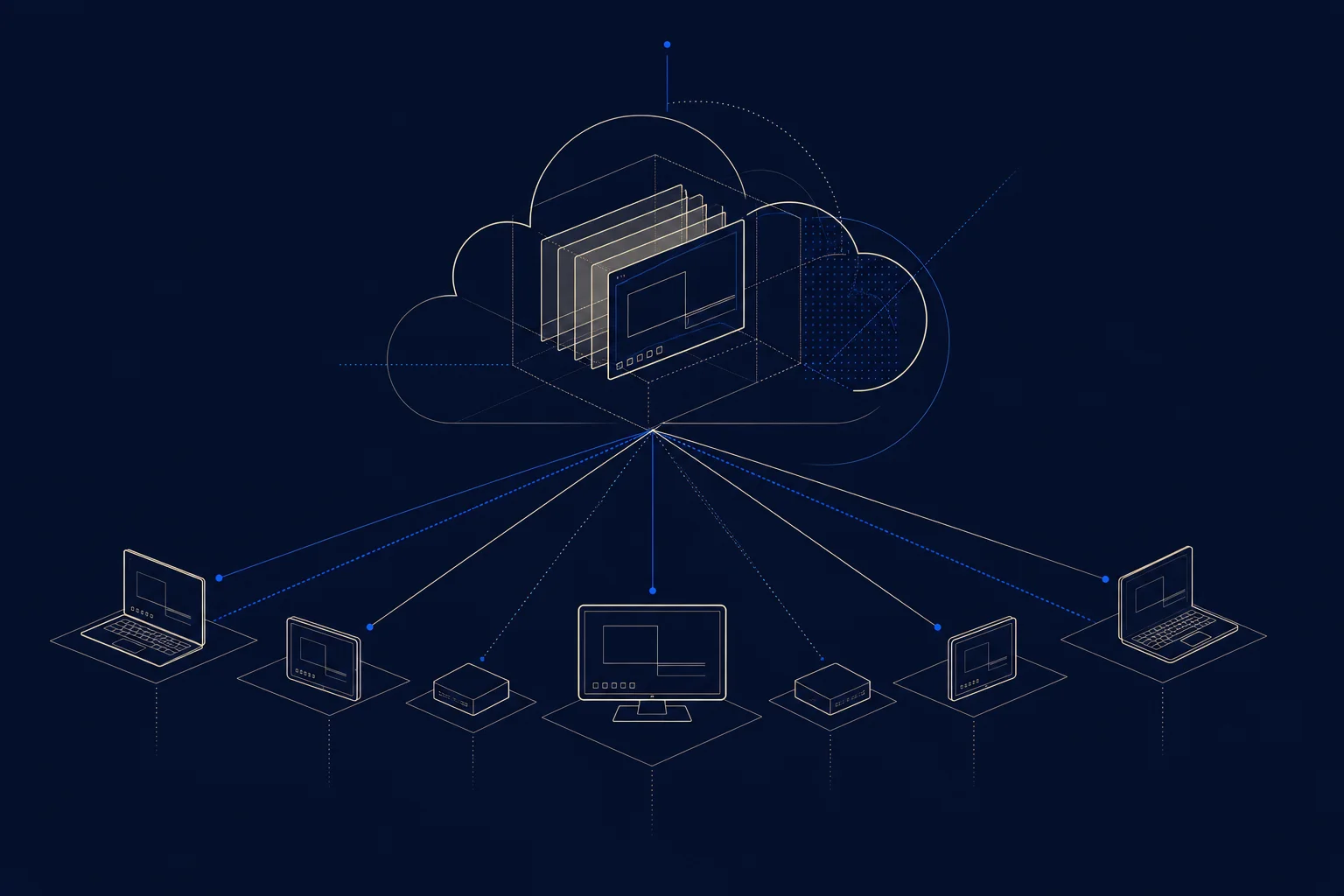
    Desktop virtualization delivers a user’s entire desktop from a central server or the cloud instead of a physical PC. The model is shifting fast to the cloud: an estimated 80% of virtual desktops will be delivered via DaaS by 2026, up from about 30% in 2021.

    Key takeaways

    • Desktop virtualization delivers a full desktop from a server or the cloud.
    • 80% of virtual desktops will be DaaS-delivered by 2026, up from 30% in 2021.
    • 63% of organizations rely solely on DaaS to support remote work.
    • DaaS can cut PC costs about 17%; 41% of IT teams report lower operating costs.
    • One firm cut IT support calls 40% after adopting VDI.
    80%
    of virtual desktops delivered via DaaS by 2026
    Ace Cloud Hosting, 2026
    63%
    of orgs relying solely on DaaS for remote work
    2026 report
    40%
    drop in IT support calls after VDI adoption
    Case study, 2026

    What is desktop virtualization?

    Desktop virtualization separates a user’s desktop, operating system, applications, and data, from the physical device. The desktop runs on a central server or in the cloud, and the user accesses it from any device. This centralizes management, security, and updates. The approach is moving decisively to the cloud: Ace Cloud Hosting reports 80% of virtual desktops will be DaaS-delivered by 2026, up from about 30% in 2021.

    What is the difference between VDI and DaaS?

    VDI DaaS
    Hosting Your own data center The provider’s cloud
    Management You run the infrastructure Provider runs it
    Cost model Upfront plus ongoing Subscription

    VDI is on-premise virtual desktop infrastructure you operate; DaaS (Desktop as a Service) is the same idea delivered from a provider’s cloud. The market is shifting from VDI to DaaS, with 63% of organizations now relying solely on DaaS for remote work.

    What are the benefits of desktop virtualization?

    • Centralized management: update and secure desktops from one place.
    • Lower support load: one firm cut IT support calls 40% after VDI.
    • Cost savings: DaaS cuts PC costs about 17%; 41% of IT teams report lower operating costs.
    • Remote work: users get a full desktop from any device.

    Is desktop virtualization right for your business?

    It fits organizations with distributed or remote workers, strict security needs, or a desire to centralize IT management. The move to DaaS has lowered the barrier: instead of building VDI infrastructure, you subscribe to desktops from a provider. For an MSP, DaaS is a service it can deliver and manage, reducing the support burden of maintaining physical machines across many client sites (Ace Cloud Hosting tracks VDI and DaaS data).

    Frequently asked questions

    What is desktop virtualization?

    Technology that delivers a user’s entire desktop from a central server or the cloud instead of a physical PC, centralizing management and security.

    What is the difference between VDI and DaaS?

    VDI is on-premise virtual desktop infrastructure you run yourself; DaaS (Desktop as a Service) is the same delivered from a provider’s cloud as a subscription.

    Why are businesses moving to DaaS?

    For lower cost and less management. 80% of virtual desktops will be DaaS-delivered by 2026, and 63% of organizations rely solely on DaaS for remote work.

    What are the benefits of desktop virtualization?

    Centralized management, lower IT support load (one firm cut calls 40%), cost savings of about 17% on PCs, and easy remote-work access.

    Does desktop virtualization reduce IT support?

    Yes. Centralized desktops reduce support volume; one financial-services firm reported a 40% drop in IT support calls after adopting VDI.

    Is desktop virtualization good for remote work?

    Yes. It gives users a full, secure desktop from any device, which is why 82% of companies offering remote work increasingly rely on it.

  • Security vs Compliance: Why You Need Both and How They Differ

    Security vs Compliance: Why You Need Both and How They Differ

    Security vs Compliance: Why You Need Both and How They Differ

    By The Uptime Report editorial team · Last updated October 2026

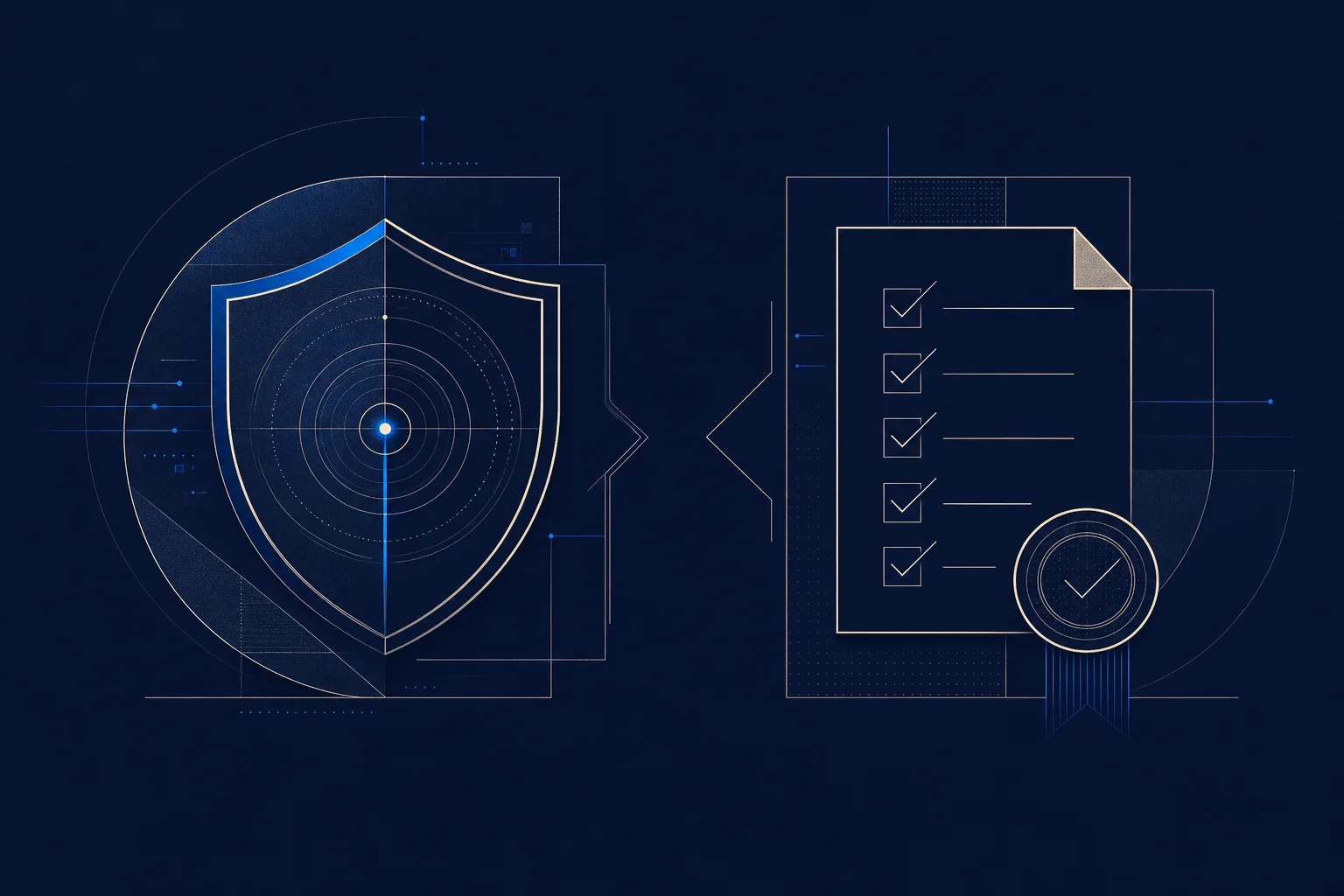
    Security vs compliance is the difference between being protected and proving you meet a standard. They overlap but are not the same: you can pass an audit and still be breached, which is why 64.5% of companies found unsecured devices they thought were covered.

    Key takeaways

    • Security is actual protection; compliance is proving you meet a standard.
    • 64.5% of companies found unsecured devices they believed were covered.
    • Only 47.6% of organizations maintain sustainable security capability.
    • 64% of teams say security frameworks feel like security theater.
    • Non-compliance adds an average of $201,112 to the cost of a breach.
    64.5%
    of firms found unsecured devices they thought were covered
    Deepstrike, 2026
    47.6%
    of orgs with sustainable security capability
    2026 report
    $201,112
    added to breach cost by non-compliance
    2026 report

    What is the difference between security and compliance?

    Security is the actual protection of your systems and data: firewalls that work, access that is controlled, threats that get stopped. Compliance is proving your controls meet a defined standard, a framework, a regulation, or a customer contract. The two overlap, but one does not guarantee the other. You can be compliant on paper and insecure in practice, and vice versa.

    Why is being compliant not the same as being secure?

    Because compliance is a point-in-time snapshot and security is continuous. A control that passed the audit can drift or fail the next week. Deepstrike reports that 64.5% of companies discovered unsecured devices they thought were covered, and only 47.6% maintain sustainable security capability. “Passed the audit” and “still protected six months later” are different claims.

    Why does the distinction matter?

    Security Compliance
    Goal Actual protection Proving you meet a standard
    Timeframe Continuous Point-in-time
    Failure mode Breach Audit finding / fine

    Chasing compliance alone creates a false sense of safety: 64% of teams say frameworks feel like security theater, and 61% spend more time proving security than improving it.

    How do you get both security and compliance?

    Treat compliance as a floor, not a ceiling. Build genuine security, continuous monitoring, tested controls, real incident response, and let compliance evidence flow from it. The organizations that do both avoid the trap of a clean audit and a real breach. Non-compliance adds an average of $201,112 to breach costs, so neither can be neglected, but security has to come first (Bright Defense tracks compliance statistics).

    Frequently asked questions

    What is the difference between security and compliance?

    Security is the actual protection of systems and data; compliance is proving your controls meet a defined standard. One does not guarantee the other.

    Can you be compliant but not secure?

    Yes. Compliance is a point-in-time snapshot; 64.5% of companies found unsecured devices they thought were covered. Passing an audit does not mean you are protected.

    Can you be secure but not compliant?

    Yes. You can have strong protection without the documentation a framework requires, though most mature programs pursue both.

    Why does the security vs compliance distinction matter?

    Because chasing compliance alone creates false confidence. 64% of teams say frameworks feel like security theater while real gaps remain.

    Does non-compliance increase breach costs?

    Yes. Non-compliance adds an average of $201,112 to the cost of a breach, on top of the security failure itself.

    How do you achieve both security and compliance?

    Treat compliance as a floor: build genuine, continuously monitored security and let compliance evidence flow from it.

  • MSP Software: The Tools That Run a Managed Service Provider

    MSP Software: The Tools That Run a Managed Service Provider

    MSP Software: The Tools That Run a Managed Service Provider

    By The Uptime Report editorial team · Last updated October 2026

    MSP software is the stack of tools a managed service provider uses to deliver services, from remote monitoring to ticketing and billing. The average MSP runs a lot of it: 11.3 core tools on average, in a market worth $14.18 billion in 2026.

    Key takeaways

    • The average MSP uses 11.3 core software tools (Medha Cloud).
    • The MSP software market reached $14.18B in 2026, growing ~12% a year.
    • RMM (remote monitoring) and PSA (ticketing/billing) are the two core categories.
    • RMM adoption among MSPs hit 96%; PSA 82%.
    • ConnectWise and Datto/Kaseya dominate: 78% of MSPs use at least one of their products.
    11.3
    core software tools used by the average MSP
    Medha Cloud, 2026
    $14.18B
    MSP software market size in 2026
    Verified Market Reports, 2026
    78%
    of MSPs use ConnectWise or Datto/Kaseya
    Omdia, 2026

    What is MSP software?

    MSP software is the set of tools a managed service provider uses to run its business and deliver services to clients: remote monitoring, ticketing, documentation, backup, security, remote access, and billing. It is the operational backbone of an MSP. Medha Cloud reports the average MSP uses 11.3 core tools, in a market worth $14.18 billion in 2026 and growing about 12% a year.

    What are the core categories of MSP software?

    Category What it does Adoption
    RMM Remote monitoring and management of client devices 96%
    PSA Ticketing, project management, billing 82%
    Documentation Central record of client environments Common
    Backup Data protection and recovery Common

    RMM is the foundation, letting an MSP oversee many clients’ infrastructure at once; PSA is the fastest-growing category as MSPs expand services.

    Which MSP software vendors lead the market?

    The market consolidated in 2026 around a small set of platforms. On the RMM/PSA side: NinjaOne, Syncro, Atera, ConnectWise, N-able, Datto RMM (now part of Kaseya 365), SuperOps, and Kaseya VSA 10, with HaloPSA as a breakout standalone PSA. Two vendors dominate the market: ConnectWise and Datto/Kaseya, with 78% of MSPs using at least one of their products.

    How do MSPs choose their software stack?

    The goal is integration. Running 11-plus tools only works if they connect, so RMM-PSA integration, automation, and a single pane of glass matter as much as any individual feature. Many MSPs standardize on one vendor’s ecosystem for that reason, while others assemble best-of-breed tools and invest in integration. The right choice depends on the MSP’s size, service mix, and tolerance for vendor lock-in (Omdia ranks the RMM/PSA field).

    Frequently asked questions

    What is MSP software?

    The stack of tools a managed service provider uses to deliver services, including remote monitoring, ticketing, documentation, backup, and billing.

    What are RMM and PSA?

    RMM (remote monitoring and management) oversees client devices; PSA (professional services automation) handles ticketing, project management, and billing.

    How many tools does an MSP use?

    The average MSP uses 11.3 core software tools, from RMM and PSA to documentation, backup, and security platforms.

    Which MSP software vendors are biggest?

    ConnectWise and Datto/Kaseya dominate, with 78% of MSPs using at least one of their products. NinjaOne, Atera, Syncro, and others also lead.

    What is the most-used MSP software category?

    RMM (remote monitoring and management), with 96% adoption, because it lets MSPs oversee many clients’ infrastructure efficiently.

    How big is the MSP software market?

    The MSP software market reached $14.18 billion in 2026 and is growing about 12% a year.

  • What Is a Managed Service Provider? The Complete 2026 Guide

    What Is a Managed Service Provider? The Complete 2026 Guide

    What Is a Managed Service Provider? The Complete 2026 Guide

    By The Uptime Report editorial team · Last updated October 2026

    What is a managed service provider? A managed service provider, or MSP, is a company that runs a client’s IT, support, monitoring, security, and maintenance, on an ongoing subscription. The model dominates: 76% of SMEs rely on an MSP, and the global market reached about $430 billion in 2026.

    Key takeaways

    • A managed service provider runs a client’s IT proactively for a monthly fee.
    • 76% of SMEs use an MSP; the market is worth about $430 billion in 2026.
    • Top MSP services: remote monitoring (94%), help desk (91%), backup/DR (89%).
    • Managed security is now offered by 81% of MSPs, the fastest-growing category.
    • MSPs are priced per user or per device, monthly, for predictable cost.
    76%
    of SMEs use a managed service provider
    Medha Cloud, 2026
    $430B
    global MSP market in 2026
    Medha Cloud, 2026
    94%
    of MSPs offer remote monitoring
    Managed services survey, 2026

    What is a managed service provider?

    A managed service provider is a company that takes ongoing responsibility for another organization’s technology. Instead of being called only when something breaks, the MSP monitors, maintains, secures, and supports the client’s IT continuously for a subscription fee. Medha Cloud reports 76% of SMEs now rely on an MSP, in a market worth about $430 billion in 2026.

    What does a managed service provider do?

    Service MSP adoption
    Remote monitoring & management 94%
    Help desk 91%
    Backup & disaster recovery 89%
    Security services 81%

    The defining feature is proactivity: an MSP works to prevent problems, because it is paid the same whether or not you have them.

    How does managed service provider pricing work?

    Most MSPs charge per user or per device on a monthly subscription, which makes IT a predictable operating expense instead of a series of surprise repair bills. The rate depends on tier, security depth, and compliance needs, typically $100 to $400 per user per month. The predictability is central to the appeal.

    How do you choose a managed service provider?

    Weigh response commitments and track record, security depth, industry experience, and transparency over headline price. With 76% of SMEs already using an MSP, the decision is which provider fits, not whether to use one. A cheaper quote often omits security or after-hours coverage, so compare the same scope (Market.us tracks the market).

    Frequently asked questions

    What is a managed service provider?

    A company that runs a client’s IT, including support, monitoring, security, and maintenance, on an ongoing subscription rather than fixing things only after they break.

    What does a managed service provider do?

    Monitoring, help desk, backup and disaster recovery, security, patching, and technology guidance, delivered proactively for a monthly fee.

    How much does a managed service provider cost?

    Typically $100 to $400 per user per month, depending on tier, security depth, and compliance needs.

    What is the difference between an MSP and an MSSP?

    An MSP manages general IT; an MSSP (Managed Security Service Provider) focuses specifically on security operations.

    How many businesses use a managed service provider?

    76% of SMEs rely on an MSP for at least some functions, in a market worth about $430 billion in 2026.

    How do I choose a managed service provider?

    Compare response commitments and track record, security depth, industry references, and transparency, at the same scope of services.