Author: chrisomo

  • Outsourced IT Support: When It Makes Sense and What to Expect

    Outsourced IT Support: When It Makes Sense and What to Expect

    Outsourced IT Support: When It Makes Sense and What to Expect

    Outsourced IT support means handing your technology support to an external provider instead of running it entirely in-house. For most small and midmarket firms it delivers broader coverage, predictable cost, and access to skills that would be expensive to hire directly.

    Outsourced IT support in brief

    • It replaces or supplements an internal IT team with an external provider.
    • Pricing is usually per-user or per-device monthly.
    • It gives small firms enterprise-level coverage without enterprise headcount.
    • The right model depends on how much you keep in-house.

    Why businesses outsource IT support

    Hiring, training, and retaining IT staff is costly, and a small team cannot realistically cover every technology a modern business runs. Outsourced IT support spreads that capability across a provider who already has the people and tools, so you get coverage that would be hard to build alone.

    The common pricing models

    Model How it is billed Best for
    Per user Flat monthly fee per employee People-heavy offices
    Per device Fee per managed device Device-heavy environments
    Block hours Prepaid support hours Occasional needs
    Fully managed All-inclusive monthly Predictable budgeting

    In-house versus outsourced

    The choice is rarely all-or-nothing. Many firms keep a small internal team for strategy and daily hands-on needs, and outsource after-hours coverage, specialized skills, or the help desk. The question is which parts are core to keep and which are better handed to a provider.

    Choosing the right provider

    Look past the price to the response commitments, the breadth of coverage, and whether the provider documents its work. A cheap contract that leaves gaps in security or after-hours coverage costs more when something breaks.

    Frequently asked questions

    What does outsourced IT support cost?

    Most providers bill per user or per device on a monthly subscription. The scope of coverage and response commitments matter more than the headline rate.

    Is outsourced IT support only for small businesses?

    No. Midmarket and larger firms outsource specific functions such as after-hours coverage or specialized skills while keeping a core team in-house.

    Will I lose control by outsourcing?

    A good provider works as an extension of your team with clear reporting, so you keep visibility and decision-making while offloading execution.


  • Managed Cybersecurity: What It Includes and Who Needs It

    Managed Cybersecurity: What It Includes and Who Needs It

    Managed Cybersecurity: What It Includes and Who Needs It

    Managed cybersecurity is security delivered as an ongoing service rather than a set of products you buy and run yourself. A provider takes responsibility for protecting your systems: monitoring for threats, managing security tools, responding to incidents, and helping you meet compliance obligations.

    Managed cybersecurity basics

    • It is security as a service, not a pile of tools you self-manage.
    • A typical service spans monitoring, response, patching, and compliance.
    • It closes the skills gap for firms that cannot hire security staff.
    • Pricing is usually per-user or per-endpoint, monthly.

    What managed cybersecurity replaces

    The do-it-yourself approach to security means buying tools, hiring people to run them, and hoping the coverage is complete. Most organizations cannot sustain that. Managed cybersecurity replaces the burden with an accountable provider who runs the tools, watches around the clock, and acts when it matters.

    What a typical service includes

    Component What it does
    Threat monitoring Continuous watch for suspicious activity
    Incident response Contain and remediate confirmed threats
    Endpoint protection Detect and stop threats on devices
    Patch management Close known vulnerabilities on schedule
    Compliance support Controls and evidence for audits

    Who needs it

    The clearest buyers are small and midmarket organizations that face real threats but cannot justify a full internal security team. They get enterprise-grade coverage at a fraction of the cost of building it, and one accountable partner instead of a stack of disconnected tools.

    How MSSPs deliver and price it

    Managed security service providers run centralized platforms and analyst teams across many clients, which is what makes the economics work. Pricing is typically per-user or per-endpoint on a monthly subscription, with the response commitment and breadth of coverage being the real points of comparison.

    Frequently asked questions

    What is managed cybersecurity?

    It is security delivered as an ongoing service by a provider who monitors, manages tools, responds to incidents, and supports compliance on your behalf.

    How is it different from buying security tools?

    Tools you buy still need people to run them. Managed cybersecurity includes the people and the process, not just the software.

    How much does managed cybersecurity cost?

    It is usually priced per user or per endpoint each month. Coverage breadth and response commitments matter more than the headline number.


  • Network Management: Keeping Clients Connected and Fast

    Network Management: Keeping Clients Connected and Fast

    Network Management: Keeping Clients Connected and Fast

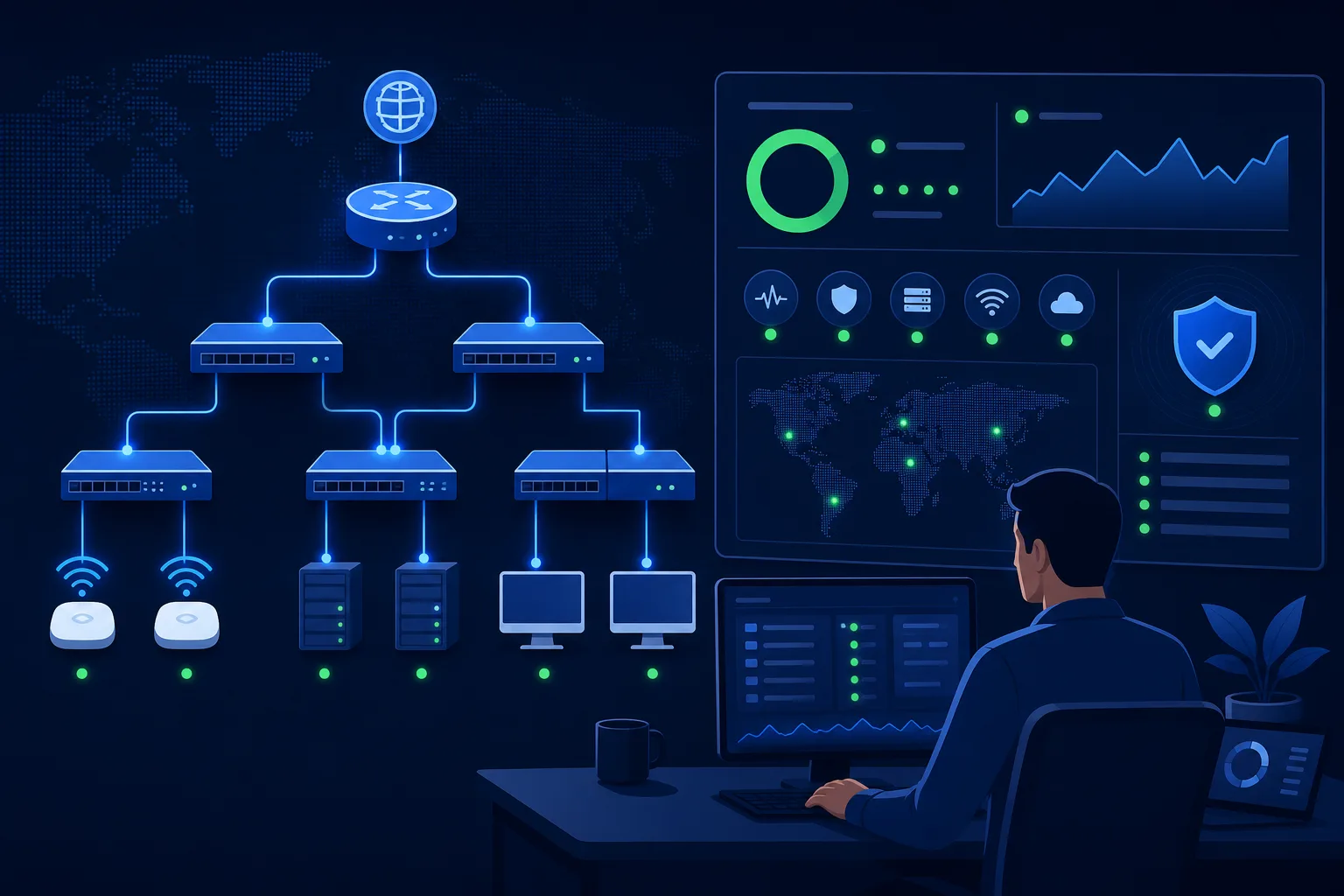
    Network management is the ongoing work of keeping a network available, secure, and performing: monitoring devices, applying updates, managing configurations, and responding when something degrades. For an MSP, strong network management is what turns firefighting into a predictable, SLA-backed service.

    Network management essentials

    • Monitoring tells you what is happening; management is acting on it.
    • Configuration and patch discipline prevent most outages.
    • Proactive network management reduces emergency tickets over time.
    • It underpins nearly every other managed service, from VoIP to security.

    Monitoring versus management

    Monitoring is watching: collecting metrics on availability, throughput, latency, and device health. Management is doing: acting on what the monitoring reveals, from pushing a config change to replacing a failing switch before it takes down a site. Monitoring without management just produces alerts no one resolves.

    The core tasks

    • Availability monitoring: know the instant a device or link goes down.
    • Performance management: track latency and throughput to catch slowdowns early.
    • Configuration management: keep device configs consistent and backed up.
    • Patch and firmware updates: close vulnerabilities on network gear, which is often forgotten.

    Proactive beats reactive

    The difference between a stressed network practice and a calm one is whether problems are caught before users feel them. A link trending toward saturation, a device logging errors, a config drifting from standard: each is a warning that, acted on early, never becomes an outage. Proactive network management is what makes the SLA achievable.

    Why it underpins everything else

    VoIP needs a clean network. Cloud apps need reliable connectivity. Security tools need to see traffic. Network management is the foundation the rest of the managed services stack stands on, which is why it deserves the same rigor as the flashier security work.

    Frequently asked questions

    What is the difference between network monitoring and network management?

    Monitoring is observing the network’s state; management is taking action on it. Effective service requires both.

    What does network management include?

    Availability and performance monitoring, configuration management, patch and firmware updates, and incident response for network issues.

    Why is proactive network management important?

    Catching degradation early prevents outages, reduces emergency tickets, and is what makes an availability SLA realistic to meet.


  • Email Security: The Layers That Actually Stop Attacks

    Email Security: The Layers That Actually Stop Attacks

    Email Security: The Layers That Actually Stop Attacks

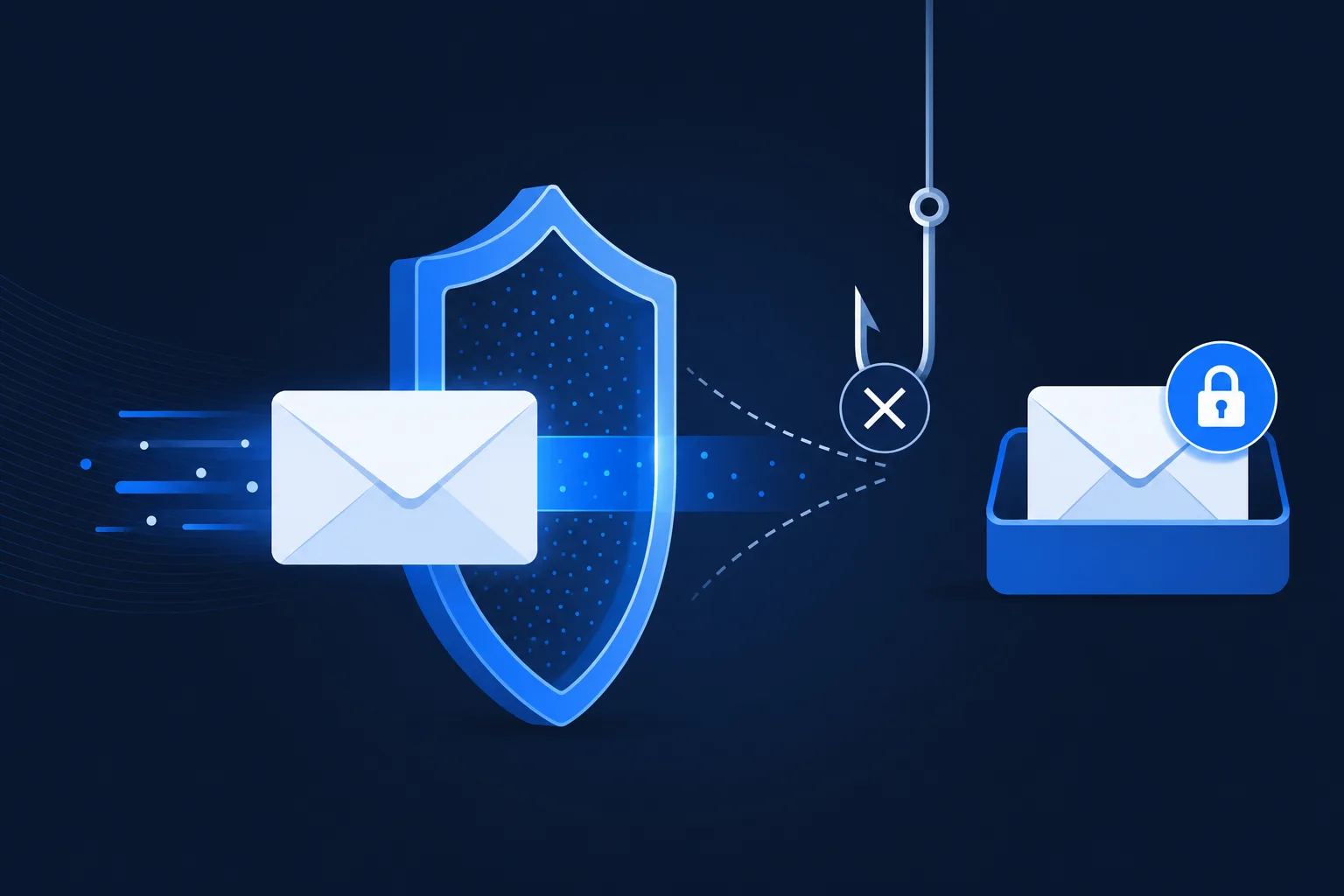
    Email security is the set of controls that protect an organization’s email from the threats that arrive through it: phishing, business email compromise, malware, and spoofing. Email remains the number one delivery method for attacks, which is why layered email security is a baseline, not an upgrade.

    Email security fundamentals

    • Email is the leading initial access vector for attacks.
    • SPF, DKIM, and DMARC authenticate mail and block spoofing.
    • Filtering catches most threats; user training catches the rest.
    • For MSPs, email security is a fast, high-impact win for every client.

    Why email is the favorite attack path

    Attackers go where the people are, and everyone uses email. A single convincing message can hand over credentials, deliver malware, or trigger a fraudulent wire transfer. That is why email security is where a security program should start, not where it ends.

    The authentication layer: SPF, DKIM, DMARC

    Record What it does
    SPF Lists which servers may send mail for your domain
    DKIM Signs messages so recipients can verify they were not altered
    DMARC Tells receivers what to do when SPF or DKIM fails, and reports back

    Together these three stop attackers from convincingly impersonating your domain. Missing or misconfigured, they leave the door open to spoofing.

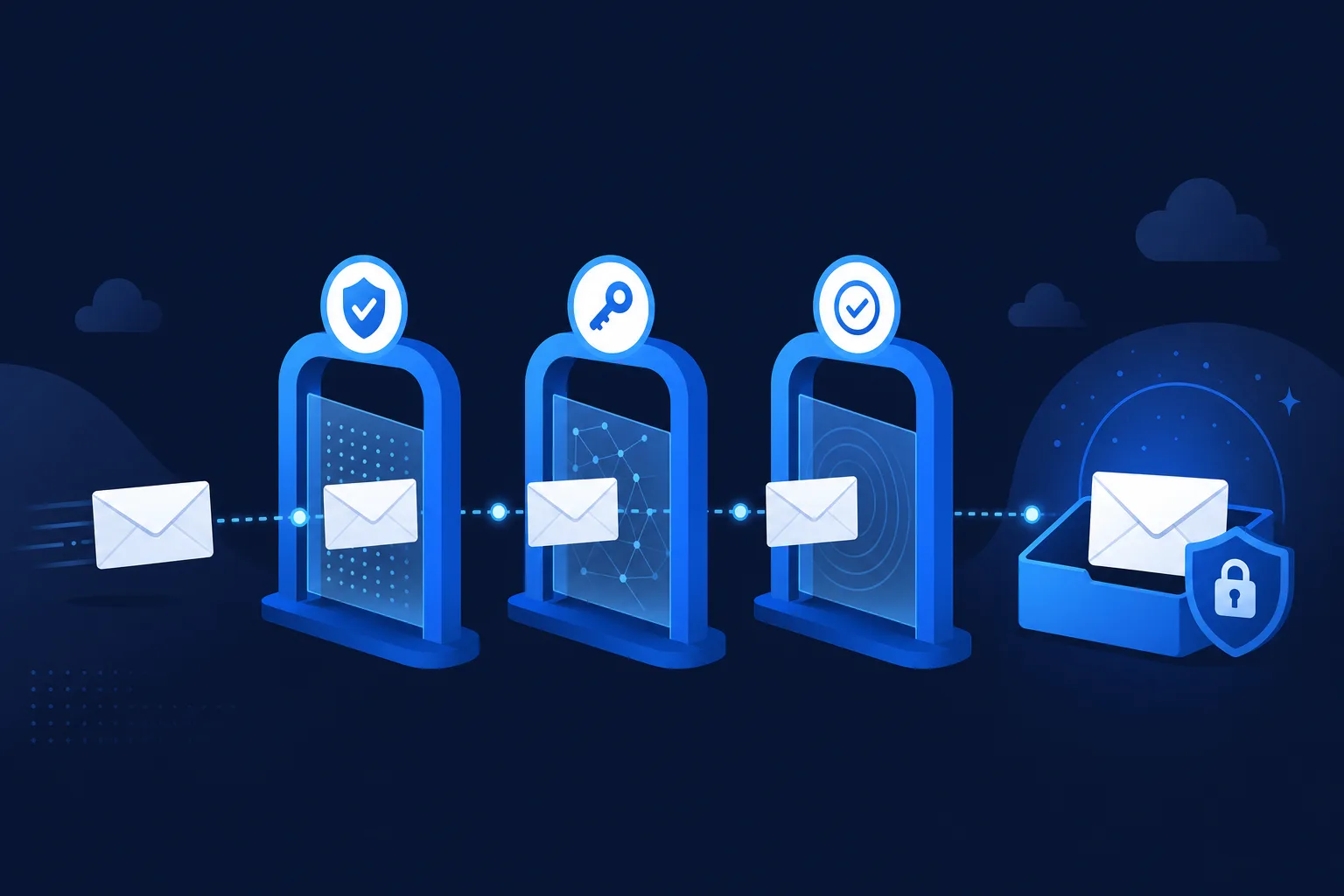
    Email authentication SPF DKIM DMARC
    SPF, DKIM, and DMARC authenticate mail and block spoofing.

    Filtering, and the human layer

    A good secure email gateway filters out the bulk of malicious and spam messages before they reach a user. But some phishing is designed to slip past filters, which is why user awareness is the second layer. The strongest programs pair technical filtering with regular, realistic training so users become a sensor, not a soft spot.

    What MSPs should deploy first

    Email security is one of the highest-return moves an MSP can make for a new client: configure SPF, DKIM, and DMARC correctly, put a filtering layer in front of the inbox, and start a training cadence. It is fast to deliver and it measurably reduces the most common way clients get breached.

    Frequently asked questions

    What is the most important email security control?

    There is no single one, but domain authentication (SPF, DKIM, DMARC) plus filtering and user training together stop the large majority of email-borne attacks.

    What is DMARC?

    DMARC is a policy that tells receiving mail servers what to do when a message fails SPF or DKIM checks, and it sends reports so you can see who is sending mail as your domain.

    Can email security stop all phishing?

    No control stops everything. Layered filtering blocks most attacks, and user training reduces the impact of the messages that get through.


  • IT Compliance: What It Covers and Why MSPs Own More of It

    IT Compliance: What It Covers and Why MSPs Own More of It

    IT Compliance: What It Covers and Why MSPs Own More of It

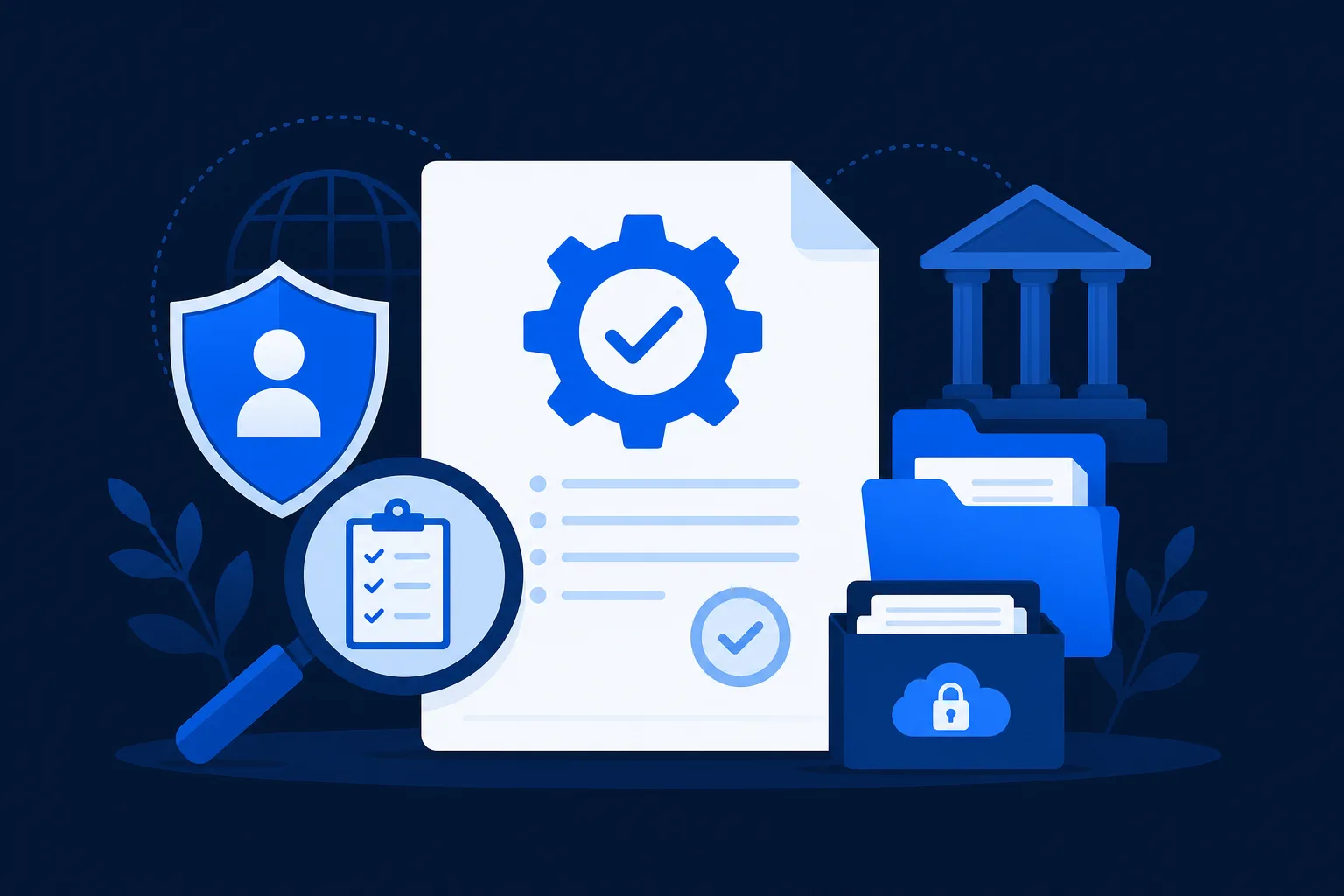
    IT compliance is the discipline of making sure an organization’s technology, data handling, and security controls meet the rules that apply to it, whether those rules come from law, industry standards, or customer contracts. As MSPs take over more of a client’s IT, they take on more of the client’s compliance burden too.

    IT compliance in brief

    • Compliance rules come from regulators, industry standards, and contracts.
    • The evidence, not the intention, is what gets audited.
    • Privileged MSP access puts the MSP inside the client’s compliance scope.
    • Compliance is a recurring service opportunity, not a one-off project.

    What IT compliance covers

    IT compliance spans data protection, access control, logging, encryption, incident response, and vendor management, among others. The specific requirements depend on the frameworks that apply, but the pattern is consistent: define a control, operate it, and keep evidence you did.

    The frameworks driving IT compliance

    Different industries answer to different masters. Healthcare has HIPAA, card handlers have PCI DSS, government contractors have NIST and CMMC, and service providers pursue SOC 2 or ISO 27001. Many organizations fall under several at once, which is where a coordinated compliance program pays off.

    Why MSPs carry more compliance weight

    An MSP with administrative access to client systems is a link in the client’s security chain. Auditors know this and ask about it. The result is that MSPs are pulled into client audits and increasingly asked to demonstrate their own controls. The providers who prepared for this turned it into a selling point.

    Compliance as a recurring service

    Because compliance is continuous, it maps naturally to the managed services model. Ongoing control monitoring, evidence collection, and audit preparation are recurring work an MSP can package, price, and deliver, deepening the client relationship in the process.

    Frequently asked questions

    What is IT compliance?

    It is the practice of ensuring an organization’s technology and data controls meet the laws, standards, and contracts that apply to it, and being able to prove it with evidence.

    Is IT compliance the MSP’s responsibility?

    Responsibility is shared, but an MSP with privileged access is part of the client’s compliance scope and often takes on control operation and evidence collection.

    What frameworks are most common?

    SOC 2, HIPAA, PCI DSS, NIST/CMMC, and ISO 27001 are the frameworks MSP clients most often need to satisfy.


  • Backup and Disaster Recovery: The Difference That Saves Clients

    Backup and Disaster Recovery: The Difference That Saves Clients

    Backup and Disaster Recovery: The Difference That Saves Clients

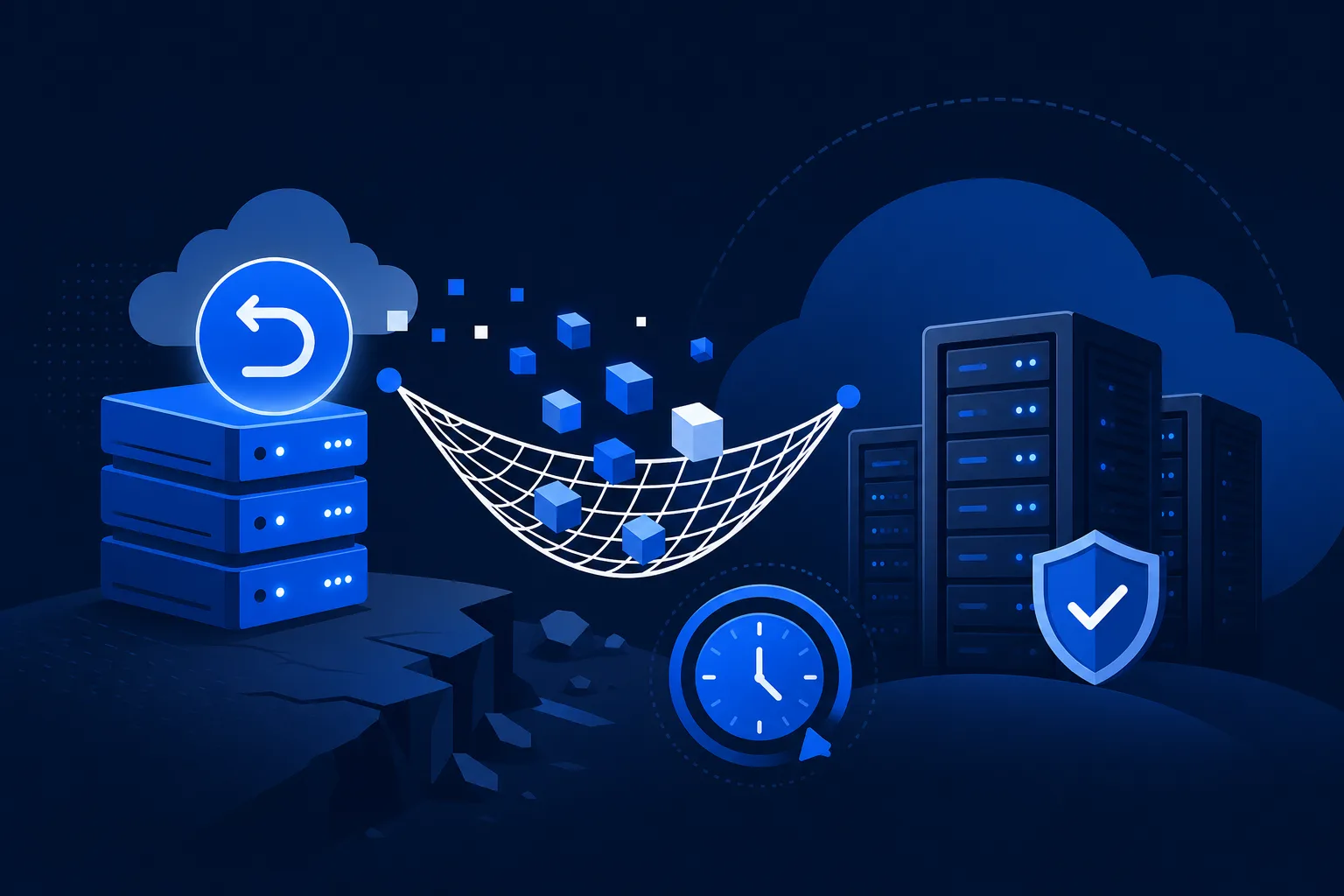
    Backup and disaster recovery are two different promises that often get sold as one. Backup means you have a copy of the data. Disaster recovery means you can get the business running again within a defined time. A client can have perfect backups and still be down for a week if no one planned the recovery.

    The distinction that matters

    • Backup = you have the data. Recovery = you can resume operations in time.
    • RTO is how fast you must be back; RPO is how much data you can afford to lose.
    • Test restores, not just backups. An untested backup is a hope, not a plan.
    • BCDR is one of the highest-value recurring services an MSP can offer.

    Why backup and disaster recovery are not the same

    This confusion causes real losses. A business hit by ransomware discovers that yes, the files were backed up, but no one had a plan to rebuild servers, restore in the right order, and get users working again. The backup existed. The recovery did not. A real BCDR service plans for both.

    Setting RTO and RPO

    Two numbers frame every recovery plan:

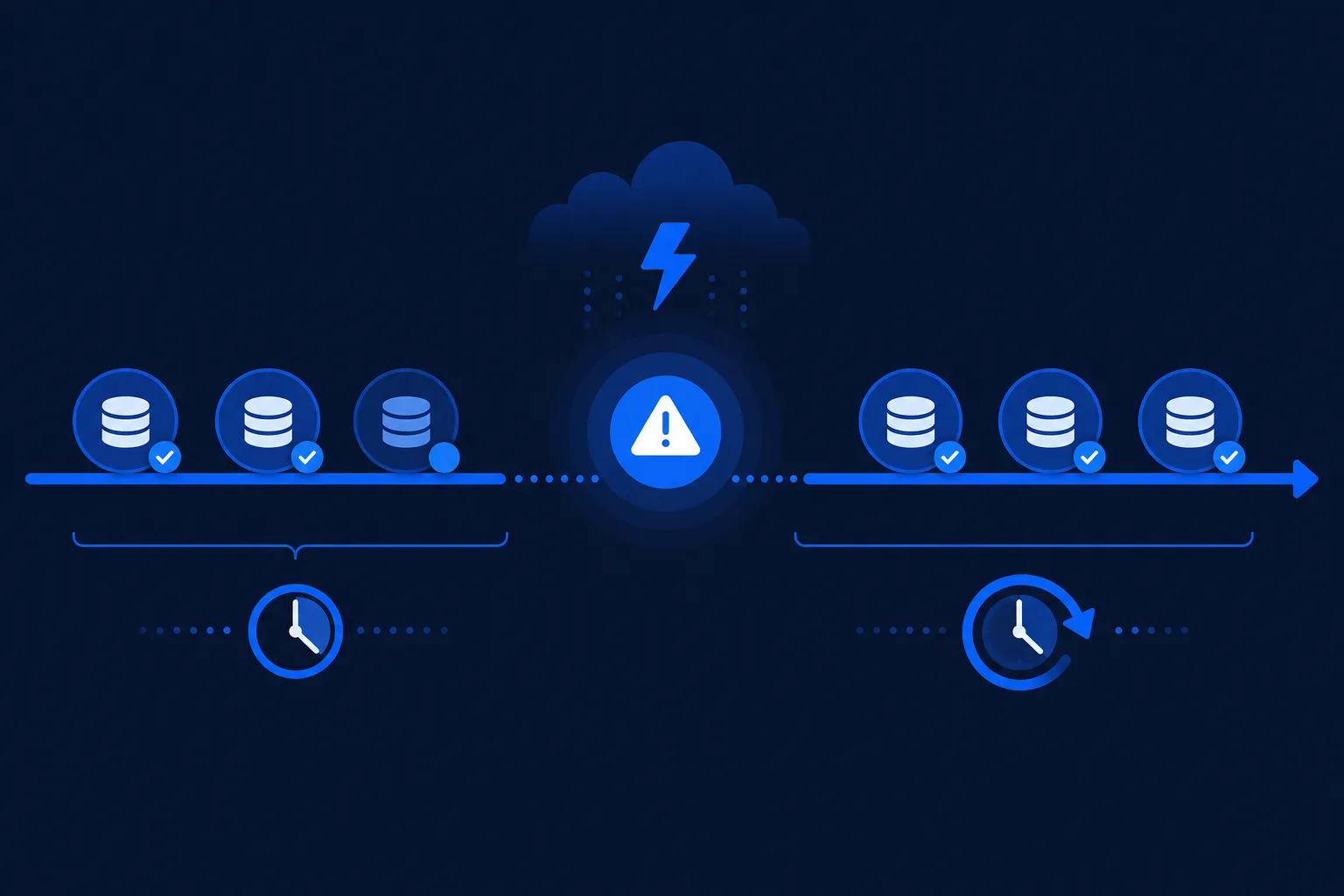
    • RTO (Recovery Time Objective): the maximum acceptable time to be back online.
    • RPO (Recovery Point Objective): the maximum acceptable amount of data loss, measured in time.

    A four-hour RTO and a fifteen-minute RPO describe a very different (and more expensive) architecture than a two-day RTO and a daily RPO. The right numbers come from the business, not the technology.

    RTO and RPO timeline concept
    RTO and RPO frame every recovery plan.

    Test restores or you have nothing

    The single most common BCDR failure is a backup that cannot be restored: corrupted, incomplete, or missing a dependency. The only way to know a backup works is to restore it. Scheduled test restores turn a checkbox into an actual guarantee.

    Building BCDR as a service

    For MSPs, BCDR is high value because the stakes are high and the work is recurring. Clients understand the cost of downtime, and a provider who can prove tested recovery earns trust that is hard to displace. The service sells itself the first time a client watches a competitor lose a week to an outage.

    Frequently asked questions

    What is the difference between backup and disaster recovery?

    Backup is a copy of your data. Disaster recovery is the tested plan and infrastructure to resume operations within a defined time. You need both.

    What are RTO and RPO?

    RTO is the maximum time you can be down before it hurts; RPO is the maximum amount of data, measured in time, you can afford to lose. Together they size your recovery plan.

    How often should backups be tested?

    Regularly and on a schedule. An untested backup offers no guarantee it will restore when you need it.


  • VoIP Phone Systems: What Businesses Should Know Before Switching

    VoIP Phone Systems: What Businesses Should Know Before Switching

    VoIP Phone Systems: What Businesses Should Know Before Switching

    By The Uptime Report editorial team · Last updated September 2026

    A VoIP phone carries calls over your internet connection instead of traditional phone lines, and it is now the default: 78% of enterprises and 61% of small businesses already use VoIP in 2026. The appeal is lower cost, easier scaling, and features legacy lines cannot match.

    Key takeaways

    • 78% of enterprises and 61% of small businesses use VoIP in 2026 (Panterra Networks).
    • Businesses moving off landlines report 30-50% lower communication costs (industry surveys, 2026).
    • The global VoIP phone market is valued at $66.02B in 2026, growing ~9% a year (Fortune Business Insights).
    • Call quality depends on the network: bandwidth, low latency, and QoS prioritization decide whether calls are clear.
    • For MSPs, VoIP is a natural add-on to an existing network engagement and adds recurring per-user revenue.
    78%
    of enterprises use VoIP in 2026
    Panterra Networks, 2026
    30-50%
    typical cut in communication costs after switching
    Industry surveys, 2026
    $66B
    global VoIP phone market size in 2026
    Fortune Business Insights

    What is a VoIP phone system?

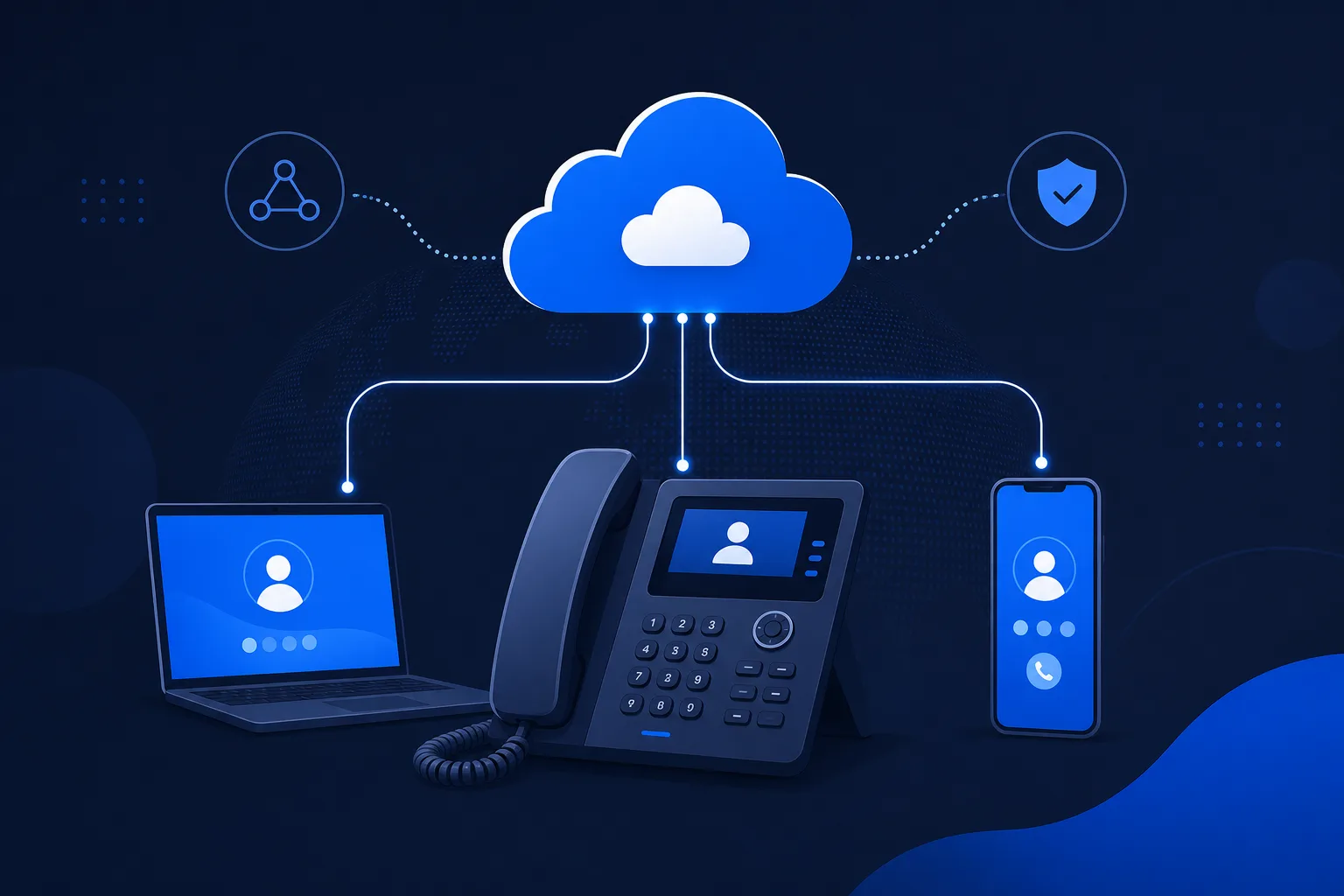
    A VoIP phone system carries voice calls over the internet instead of a dedicated copper line. Your voice is broken into data packets, sent across the same connection your business already uses, and reassembled on the other end. A hosted platform handles routing, voicemail, and features, so a call to any normal phone number connects the way it always has, just over a different path.

    The shift is no longer early-adopter territory. Panterra Networks reports that 78% of enterprises and 61% of small businesses run VoIP in 2026, and Fortune Business Insights values the global VoIP phone market at $66.02 billion, growing about 9% a year.

    How much does a VoIP phone system cost versus traditional lines?

    VoIP is usually billed per user per month, and the savings over legacy lines are consistent. Businesses migrating from traditional landlines commonly report 30% to 50% lower communication costs, with the largest savings on long-distance and international calling. The per-line charges and add-on feature fees of legacy PBX systems disappear.

    Factor VoIP Traditional lines
    Billing Per user, monthly Per line, plus add-ons
    Scaling Add a user in minutes Provision a physical line
    Features Routing, apps, voicemail-to-email included Usually extra
    Outage behavior Needs internet or a failover Works during internet outages

    Why does call quality depend on the network?

    The one place VoIP disappoints is when the network cannot support it. Voice is real-time traffic and sensitive to jitter and latency in a way that email and web browsing are not. Before deploying, confirm there is enough bandwidth, enable quality-of-service (QoS) prioritization for voice, and check the router can handle concurrent calls. Most VoIP complaints trace back to a network that was never prepared for real-time traffic, not to the VoIP service itself.

    What happens to a VoIP phone during an internet outage?

    Because VoIP relies on internet access, calls do not work on the same connection during an outage. This is the one real trade-off against a traditional line. The fix is a planned failover: a cellular backup connection, or automatic call forwarding to mobile phones when the primary link drops. Any business where phones are mission-critical should design this failover before cutover, not after the first outage.

    Why does VoIP fit the managed services model?

    An MSP already managing a client network is the right party to run its phones. The same monitoring watches the connection that carries the calls, the same help desk supports both, and the client has one accountable vendor for connectivity and voice together. It also deepens the relationship and adds recurring per-user revenue, which is why VoIP is one of the most common service-line expansions for growing MSPs.

    Frequently asked questions

    Does a VoIP phone work during an internet outage?

    Not on the same connection. Because VoIP relies on internet access, businesses that need phones during outages should plan a failover such as a cellular backup or call forwarding to mobile.

    Is VoIP cheaper than traditional phone lines?

    For most businesses, yes. VoIP is billed per user per month and avoids the per-line and add-on feature charges of legacy systems, with reported savings of 30% to 50% on communication costs.

    What internet speed do I need for VoIP?

    Each concurrent call uses only modest bandwidth, but consistency matters more than raw speed. Low latency and low jitter with QoS prioritization are what keep calls clear.

    Can I keep my phone number when switching to VoIP?

    Yes. Existing business numbers can almost always be ported to a VoIP provider, so customers experience no change.

    How many businesses use VoIP in 2026?

    Roughly 78% of enterprises and 61% of small businesses use VoIP in 2026, according to Panterra Networks.

    Is VoIP secure for business use?

    VoIP is secure when configured properly with encryption, strong passwords, and a firewall that handles voice traffic. An MSP managing the network can apply the same security controls to voice.

  • Cloud Migration Services: How to Move Clients Without Breaking Them

    Cloud Migration Services: How to Move Clients Without Breaking Them

    Cloud Migration Services: How to Move Clients Without Breaking Them

    By The Uptime Report editorial team · Last updated September 2026

    Cloud migration services cover the planning, execution, and validation of moving a client’s systems into the cloud. The stakes are real: only 65% of migrations finish on time and on budget, and Bloor Research finds 84% of data-migration projects miss objectives or overrun. Discipline in the planning phase is what separates the two groups.

    Key takeaways

    • Only 65% of cloud migrations finish on time and on budget, up from 54% in 2022 (Medha Cloud, 2026).
    • 84% of data-migration projects fail objectives or significantly overrun (Bloor Research).
    • 38% of migrations exceed budget, averaging 23% over plan (IDC).
    • 94% of enterprises use at least one cloud service in 2026 (Flexera).
    • Discovery is the step failed migrations skip; tested rollback is the step that saves them.
    65%
    of migrations finish on time and on budget
    Medha Cloud, 2026
    84%
    of data-migration projects miss objectives or overrun
    Bloor Research
    23%
    average cost overrun on migrations that exceed budget
    IDC

    What do cloud migration services include?

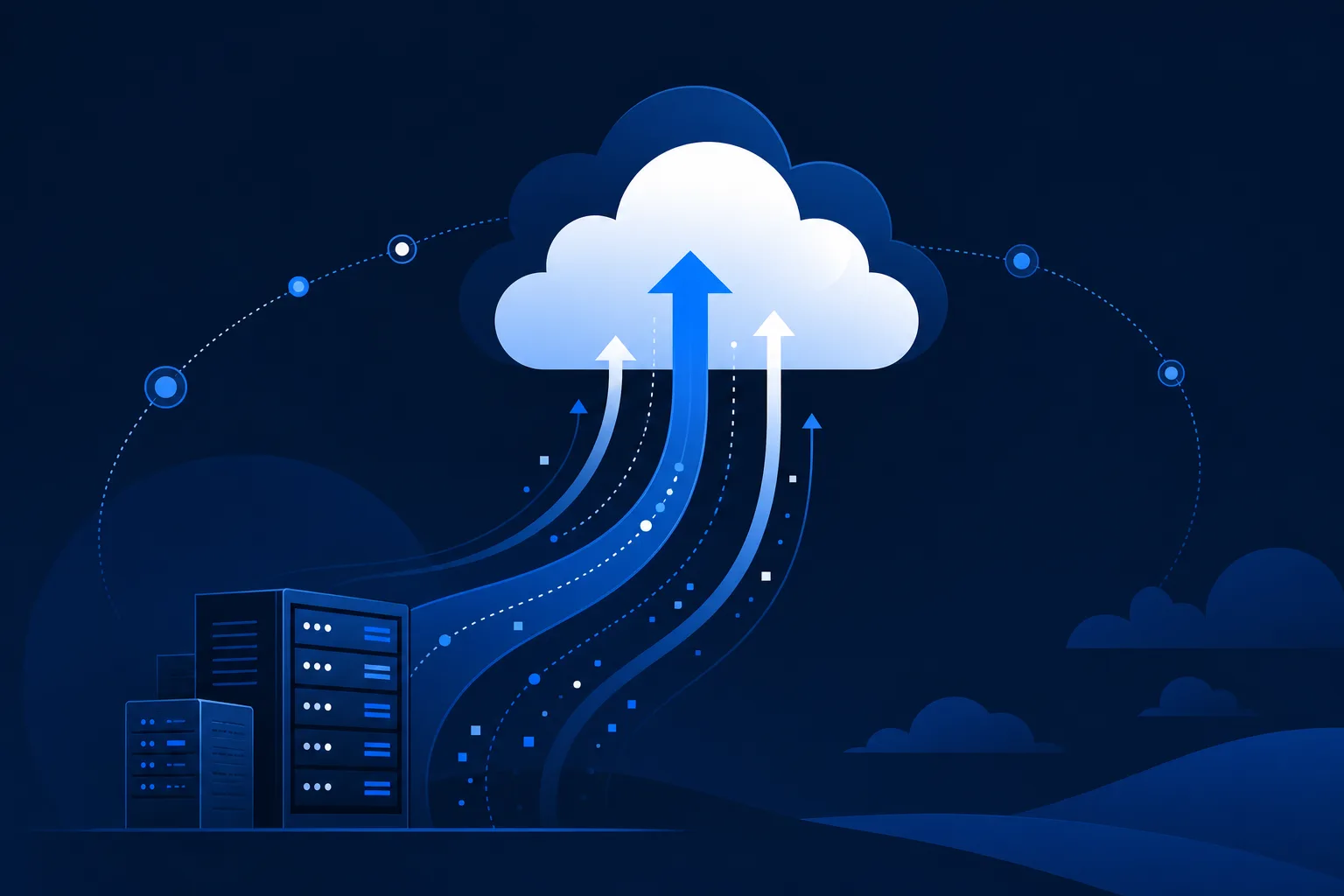
    A migration is not a single event; it is a sequence: assess what exists, decide what moves and how, move it in controlled waves, validate, then optimize. The service wraps all of that in a plan with rollback options at each step. The reason it matters: Flexera reports 94% of enterprises now use at least one cloud service, so most clients are migrating something, and doing it badly is expensive.

    What are the main cloud migration strategies?

    Strategy What it means Best when
    Rehost (lift and shift) Move as-is to cloud infrastructure Speed matters, apps are stable
    Replatform Minor changes to fit cloud services Some quick wins available
    Refactor Re-architect for the cloud Long-term value justifies the work
    Retire / Retain Decommission or leave in place App is redundant or not cloud-ready

    The strategy sets both the cost and the risk, so it is the first decision, not an afterthought.

    Why do cloud migrations fail?

    The failures are rarely technical surprises; they are planning gaps. Only 65% of migrations finish on time and on budget, and Bloor Research puts the share of data-migration projects that miss objectives or overrun at 84%. IDC finds 38% exceed budget, averaging 23% over plan. The common root causes: skipping discovery and hitting hidden dependencies mid-cutover, underestimating data-transfer time, and having no tested rollback when a wave goes sideways. Each is preventable with a disciplined assessment phase.

    How should you scope and price a migration?

    Migrations are typically fixed-fee or time-and-materials projects, sized by the number of workloads and their complexity. The strategic value for an MSP is what comes after: the client who just moved to the cloud now needs ongoing management, monitoring, backup, and optimization, which is recurring revenue. The project is the door; the managed service is the room.

    What does a safe migration look like in practice?

    A safe migration runs in waves, each with a tested rollback, starting with the lowest-risk workloads to prove the process. Discovery comes first and is thorough: every dependency mapped, every data volume measured, every cutover window agreed. The goal is that end users notice nothing. When a client says the migration was uneventful, that is the highest compliment the work can earn.

    Frequently asked questions

    How long does a cloud migration take?

    It depends on the number and complexity of workloads. A single application rehost can take weeks; a full data-center migration can take many months across phased waves.

    What percentage of cloud migrations succeed?

    About 65% finish on time and on budget in 2026, up from 54% in 2022, according to Medha Cloud. Bloor Research finds 84% of data-migration projects miss objectives or overrun, which is why planning discipline matters.

    What is the biggest risk in a cloud migration?

    Unplanned downtime and data loss are the risks clients feel most. Both are mitigated by thorough discovery and tested rollback plans.

    How much do cloud migrations go over budget?

    IDC finds 38% of migrations exceed budget, averaging 23% over plan. Most overruns trace back to skipped discovery and hidden dependencies.

    Should we lift and shift or refactor?

    Lift and shift is faster and lower risk; refactoring delivers more long-term cloud value but costs more upfront. Many migrations mix both across the application portfolio.

    Do cloud migration services include ongoing management?

    The migration project is usually separate, but it opens recurring managed services: monitoring, backup, optimization, and support of the newly migrated environment.

  • IT Help Desk: How to Run One That Clients Actually Trust

    IT Help Desk: How to Run One That Clients Actually Trust

    IT Help Desk: How to Run One That Clients Actually Trust

    By The Uptime Report editorial team · Last updated September 2026

    An IT help desk is the team and process that receives, triages, and resolves user issues, and it is where most client relationships are won or lost. The benchmark that predicts retention is first-contact resolution: strong desks resolve 70-75% of issues on first contact, and the best exceed 85%.

    Key takeaways

    • Average IT help desk first-contact resolution runs 70-75%; top desks exceed 85% (ScreenMeet, 2026).
    • Cost per ticket averages around $15.56 but ranges from $2.93 to $49.69 across organizations (MetricNet).
    • MSP help desks often run $30-$50 per ticket due to non-standardized environments (industry data, 2026).
    • Tiered support (L1/L2/L3) routes issues to the right skill level and controls cost.
    • A realistic SLA met every time beats an aggressive SLA missed half the time.
    70-75%
    average help desk first-contact resolution rate
    ScreenMeet, 2026
    $15.56
    median cost per resolved ticket
    MetricNet benchmark
    $30-50
    typical MSP cost per ticket
    Industry data, 2026

    What does an IT help desk do?

    Every ticket that lands on a help desk is a small test of the service. A user cannot print, an application is down, a laptop will not connect. The help desk exists to make those problems go away quickly and predictably. When it works, clients barely think about IT. When it does not, IT is all they think about, which is why the help desk is the single biggest driver of how a managed service is perceived.

    How does tiered help desk support work?

    Most help desks use tiers to match the difficulty of an issue to the skill needed to solve it:

    • Tier 1: password resets, common how-to questions, known fixes. High volume, fast turnaround.
    • Tier 2: deeper troubleshooting, configuration issues, problems that need more context.
    • Tier 3: complex or systemic issues, often involving engineers or vendors.

    Good tiering keeps expensive engineers off routine tickets while making sure hard problems reach the right people fast. It is also the main lever on cost per ticket.

    Which IT help desk metrics actually matter?

    According to ScreenMeet, the average IT service desk resolves 70-75% of issues on first contact, and high performers exceed 85%. Cost per ticket is the other number leaders watch: MetricNet benchmarking puts the median at $15.56 with a range from $2.93 to $49.69, and MSPs typically land in the $30-$50 band because their environments are less standardized.

    Metric What it tells you 2026 benchmark
    First-contact resolution How often issues are solved on the first touch 70-75% avg, 85%+ top
    Cost per ticket Efficiency of the desk ~$15.56 median (higher for MSPs)
    Time to resolution How long users wait Varies by priority
    CSAT Whether users feel taken care of Track alongside speed

    Chasing a single metric distorts behavior. Resolution speed that tanks satisfaction is a bad trade. Healthy desks watch these together.

    How do you set help desk SLAs that hold up?

    An SLA is a promise: this priority of issue gets a response in this many minutes and a resolution in this many hours. The trap is promising numbers the staffing cannot support. A realistic SLA that is met every time beats an aggressive SLA that is missed half the time, because trust is built on consistency, not on the ambition of the target.

    Should an MSP outsource its help desk?

    Some MSPs use an outsourced or after-hours desk to cover nights and weekends without hiring a full overnight shift. The key is a clean handoff so clients experience one consistent service regardless of who picks up. Done well, it lets a smaller MSP offer 24/7 coverage at a sustainable cost; done badly, clients feel the seams every time a ticket crosses the boundary.

    Frequently asked questions

    What is a good first-contact resolution rate for an IT help desk?

    The 2026 average is 70-75%, and high-performing desks exceed 85%, according to ScreenMeet. Rising first-contact resolution usually reflects better documentation and tiering.

    How much does an IT help desk ticket cost?

    MetricNet puts the median at $15.56 per resolved ticket, ranging from $2.93 to $49.69. MSPs often run $30-$50 because their environments are less standardized.

    What is the difference between a help desk and a service desk?

    A help desk focuses on fixing user issues; a service desk is broader and manages the full lifecycle of IT services including requests and changes. Many MSPs use the terms interchangeably.

    How do tiers work in an IT help desk?

    Tier 1 handles routine, high-volume issues; Tier 2 handles deeper troubleshooting; Tier 3 handles complex or systemic problems. Tiering controls cost and speeds resolution.

    Should a small business outsource its help desk?

    Outsourcing after-hours or overflow coverage lets smaller providers offer 24/7 support affordably, as long as the handoff between teams is clean and consistent.

    What SLA should an IT help desk offer?

    Offer response and resolution targets by priority that your staffing can actually meet every time. A realistic SLA consistently hit builds more trust than an aggressive one frequently missed.

  • Security Compliance: A Practical Guide for MSPs and Their Clients

    Security Compliance: A Practical Guide for MSPs and Their Clients

    Security Compliance: A Practical Guide for MSPs and Their Clients

    Security compliance is the practice of proving that your controls meet a defined standard, whether that standard is set by a regulator, a customer contract, or a framework like SOC 2 or HIPAA. For MSPs, security compliance is both a requirement they must meet themselves and a service they increasingly sell to clients.

    The short version

    • Compliance is about evidence: you must prove controls exist and work, not just claim they do.
    • The major frameworks are SOC 2, HIPAA, PCI DSS, NIST, and ISO 27001.
    • MSPs sit inside their clients’ compliance scope, which makes their own posture part of the audit.
    • An audit is a point-in-time check; compliance is an ongoing operating discipline.

    What security compliance actually requires

    The word compliance sounds like paperwork, but in practice it comes down to three things: define the controls, operate them consistently, and produce evidence that you did. An auditor does not take your word for it. They sample logs, review configurations, and interview staff.

    This is why compliance is an operating discipline, not a one-time project. A control that worked the week of the audit but was ignored the rest of the year will surface in the evidence.

    The frameworks that matter most

    Framework Who needs it Focus
    SOC 2 SaaS and service providers Security, availability, confidentiality controls
    HIPAA Healthcare and their vendors Protected health information
    PCI DSS Anyone handling card data Payment card security
    NIST / CMMC Government contractors Federal information controls
    ISO 27001 Enterprises, international Information security management systems

    Why MSPs are inside the compliance scope

    When an MSP holds admin credentials to a client’s systems, that MSP becomes part of the client’s attack surface and therefore part of the client’s audit scope. A regulator or auditor examining the client will ask about the vendors with privileged access. This is why more MSPs pursue their own SOC 2 report: it is the evidence their clients need.

    Turning compliance into a service line

    Compliance is one of the clearest paths for an MSP to move up the value chain. Clients in regulated industries need help mapping controls, gathering evidence, and preparing for audits. An MSP that already runs the client’s security stack is well positioned to package that as a recurring compliance service.

    Frequently asked questions

    What is the difference between security and compliance?

    Security is the actual protection of systems; compliance is proving that protection meets a defined standard. You can be secure without being compliant, and compliant without being fully secure, though good programs pursue both.

    Does an MSP need SOC 2?

    If an MSP wants to serve clients who themselves need SOC 2, HIPAA, or similar, holding a SOC 2 report makes the MSP an easier vendor to approve and often shortens the client’s own audit.

    How often is a compliance audit?

    Most frameworks require at least an annual audit or assessment, with continuous evidence collection in between.