Author: chrisomo

  • IT Consulting Services: What They Cover and When to Hire

    IT Consulting Services: What They Cover and When to Hire

    IT Consulting Services: What They Cover and When to Hire

    By The Uptime Report editorial team · Last updated September 2026

    IT consulting services help a business plan, choose, and implement technology, from strategy and security to cloud and compliance. The market is huge and growing: the global IT consulting market is valued at about $126.8 billion in 2026 and projected to reach $210 billion by 2030.

    Key takeaways

    • The global IT consulting market is worth ~$126.8B in 2026, growing 13.4% a year (The Business Research Company).
    • Consulting is advisory and project-based; managed IT is ongoing operation. Many firms use both.
    • Common engagements: strategy, security assessments, cloud migration, compliance, and system integration.
    • Cloud migration demand and AI-driven models are the top growth drivers into 2030.
    • Hire a consultant for a decision or project; hire an MSP to run IT day to day.
    $126.8B
    global IT consulting market size in 2026
    The Business Research Company
    13.4%
    projected annual growth to 2030
    The Business Research Company
    $210B
    projected market size by 2030
    The Business Research Company

    What are IT consulting services?

    IT consulting services bring outside expertise to a technology decision or project. Instead of running your systems day to day, a consultant helps you decide what to build, buy, or change, and often helps implement it. Engagements range from a one-time security assessment to a multi-month cloud migration or a full technology strategy.

    The category is large and expanding. The Business Research Company values the global IT consulting market at roughly $126.8 billion in 2026, growing about 13.4% a year toward $210 billion by 2030, driven by cloud migration demand, cybersecurity threats, and AI-driven consulting models (see also IBISWorld US IT consulting analysis).

    How do IT consulting services differ from managed IT?

    The two are complementary but distinct. Consulting is advisory and project-based: it answers “what should we do?” Managed IT is operational and ongoing: it handles “keep it running.” A consultant might design your cloud strategy; an MSP runs the environment afterward. Many businesses use both, and a growing number of providers offer both under one roof.

    IT consulting Managed IT
    Nature Advisory, project-based Ongoing operation
    Question it answers What should we do? Keep it running
    Billing Project or hourly Monthly subscription
    Example Cloud migration strategy Running the migrated environment

    What do IT consulting services typically cover?

    • Technology strategy and roadmap planning
    • Security assessments and risk analysis
    • Cloud migration planning and execution
    • Compliance readiness (HIPAA, SOC 2, PCI, and similar)
    • System integration and software selection

    The common thread is a decision or change that carries enough risk or complexity to justify outside expertise.

    When should you hire an IT consultant?

    Hire a consultant when you face a decision or project you cannot confidently make or run internally: a major migration, a compliance deadline, a security concern, or a technology strategy for growth. Hire an MSP when you need someone to run IT every day. The clearest signal you need consulting is a high-stakes, one-time decision where a wrong move is expensive to reverse.

    Frequently asked questions

    What is the difference between IT consulting and managed IT services?

    IT consulting is advisory and project-based, helping you decide and implement; managed IT is the ongoing operation of your systems. Many businesses use both.

    How much do IT consulting services cost?

    Consulting is usually billed by project or hourly rather than a flat monthly fee. Cost depends on scope, from a short assessment to a multi-month implementation.

    How big is the IT consulting market?

    The global IT consulting market is valued at about $126.8 billion in 2026 and projected to reach $210 billion by 2030, per The Business Research Company.

    When should a small business hire an IT consultant?

    When facing a high-stakes technology decision or project, such as a migration, compliance deadline, or security concern, where outside expertise reduces risk.

    Do IT consultants also run your systems?

    Some do, but classic consulting is advisory and project-based. Ongoing operation is the managed IT model, which many consulting firms also offer.

    What areas do IT consultants cover?

    Technology strategy, security assessments, cloud migration, compliance readiness, and system integration are the most common engagements.
  • VoIP Number: What It Is and How It Works for Business

    VoIP Number: What It Is and How It Works for Business

    VoIP Number: What It Is and How It Works for Business

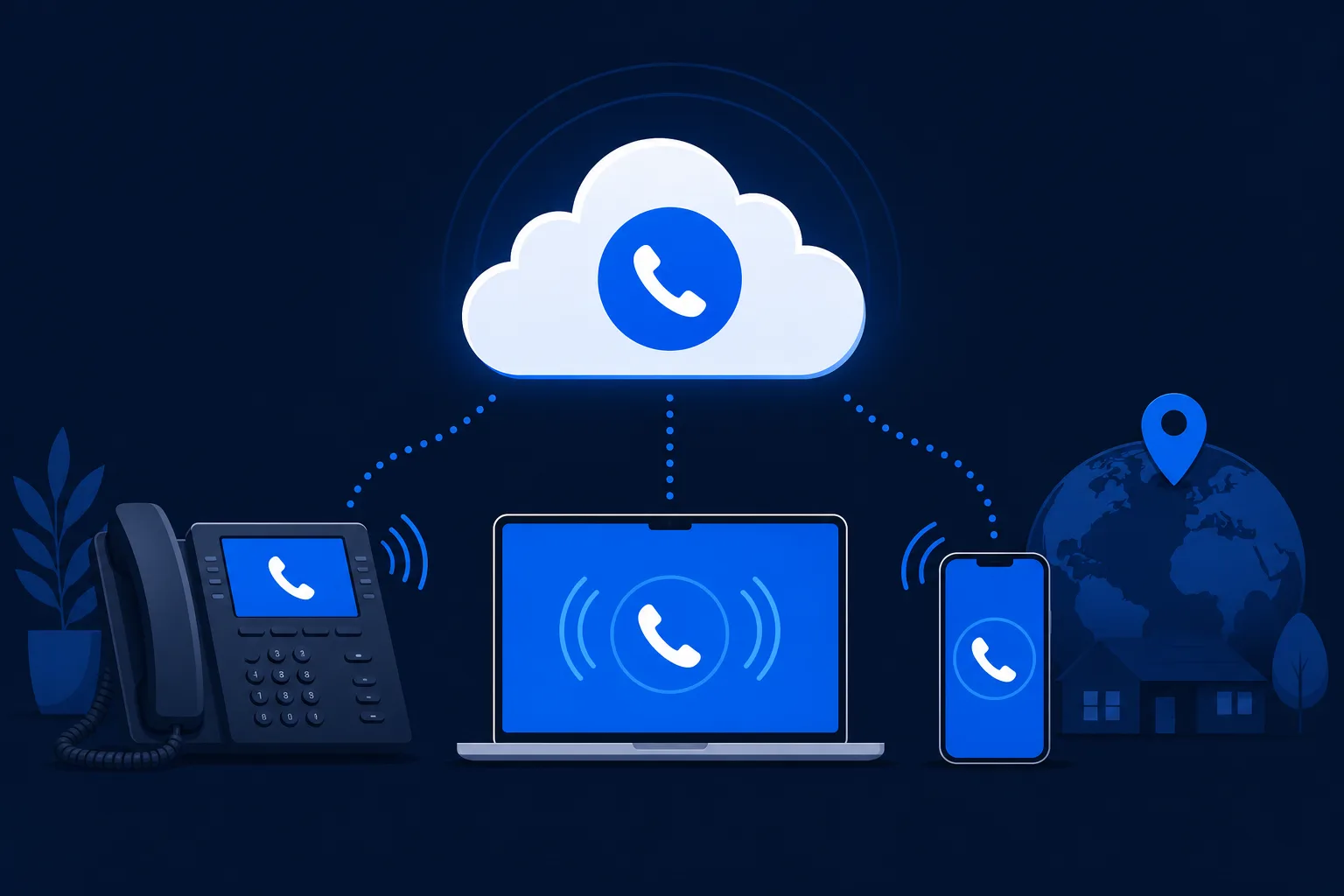
    A VoIP number is a phone number that works over the internet instead of being tied to a specific physical phone line. Because it is not bound to one location or device, a VoIP number can ring on a desk phone, a laptop, or a mobile app anywhere with a connection.

    VoIP number basics

    • A VoIP number works over the internet, not a fixed line.
    • It is not tied to one location or device.
    • You can usually keep your existing number.
    • It enables features a traditional line cannot.

    How a VoIP number differs from a traditional number

    A traditional phone number is tied to a physical line at a fixed address. A VoIP number lives in software, so it can follow you: the same number rings on your desk phone at the office, your laptop at home, and your mobile on the road, all at once if you want.

    The business benefits

    • Mobility: take business calls anywhere
    • Flexibility: add or move numbers instantly
    • Features: routing, voicemail-to-email, and analytics
    • Cost: usually cheaper than traditional lines

    Getting and keeping a VoIP number

    You can get a new VoIP number from a provider in minutes, or port an existing business number so customers notice no change. Porting keeps continuity, which matters when the number is printed on cards, listings, and signage.

    Why it fits managed services

    For an MSP running a client’s phones, VoIP numbers are simple to provision, move, and manage centrally, which makes onboarding and changes fast.

    Frequently asked questions

    What is a VoIP number?

    A VoIP number is a phone number that operates over the internet rather than a fixed physical line, so it can work on any connected device anywhere.

    Can I keep my current number when switching to VoIP?

    Yes. Existing business numbers can almost always be ported to a VoIP provider, so customers experience no change.

    Is a VoIP number the same as a virtual number?

    They overlap. A VoIP number is a type of virtual number that carries calls over the internet and is not tied to a single device or location.


  • Managed IT Services for Small Business: What You Actually Need

    Managed IT Services for Small Business: What You Actually Need

    Managed IT Services for Small Business: What You Actually Need

    Managed IT services for small business give a small company access to professional IT support, security, and monitoring for a predictable monthly fee, without hiring a full internal team. It is how small firms get enterprise-level reliability on a small-business budget.

    Small-business IT in brief

    • It provides pro IT support without in-house headcount.
    • Pricing is a predictable monthly fee, usually per user.
    • Security and backup should be included, not optional.
    • Pick a provider sized to work with small teams.

    Why small businesses use managed IT

    A small business rarely has the budget for a dedicated IT team, but it faces the same threats and downtime risks as larger firms. Managed IT services close that gap: professional support, security, and monitoring for a monthly fee that fits a small-business budget.

    What should be included

    • Help desk support for staff
    • Monitoring and maintenance of systems
    • Cybersecurity: email security, endpoint protection, training
    • Backup and recovery
    • Basic technology guidance

    Security and backup are not extras for a small business; they are the difference between a bad day and a closed business.

    What it costs

    Managed IT for small business is usually billed per user per month. The predictable fee is part of the value: no surprise repair bills, and a provider motivated to prevent problems. Get quotes based on your headcount and confirm what is included.

    Choosing the right provider

    Look for a provider that actually serves small businesses, not one that treats you as an afterthought behind enterprise clients. Responsiveness, clear communication, and included security matter more than the lowest quote.

    Frequently asked questions

    How much do managed IT services cost for a small business?

    Pricing is typically per user per month. The exact figure depends on headcount and the scope of services, but the fee is predictable rather than pay-per-incident.

    Does a small business really need managed IT?

    Small businesses face the same security threats and downtime risks as large ones but lack in-house staff, which is exactly the gap managed IT fills.

    What should be included in a small-business IT plan?

    At minimum: help desk support, monitoring, cybersecurity basics, and backup and recovery. Security and backup should never be optional add-ons.


  • Network Security Management: Keeping the Network Defended and Available

    Network Security Management: Keeping the Network Defended and Available

    Network Security Management: Keeping the Network Defended and Available

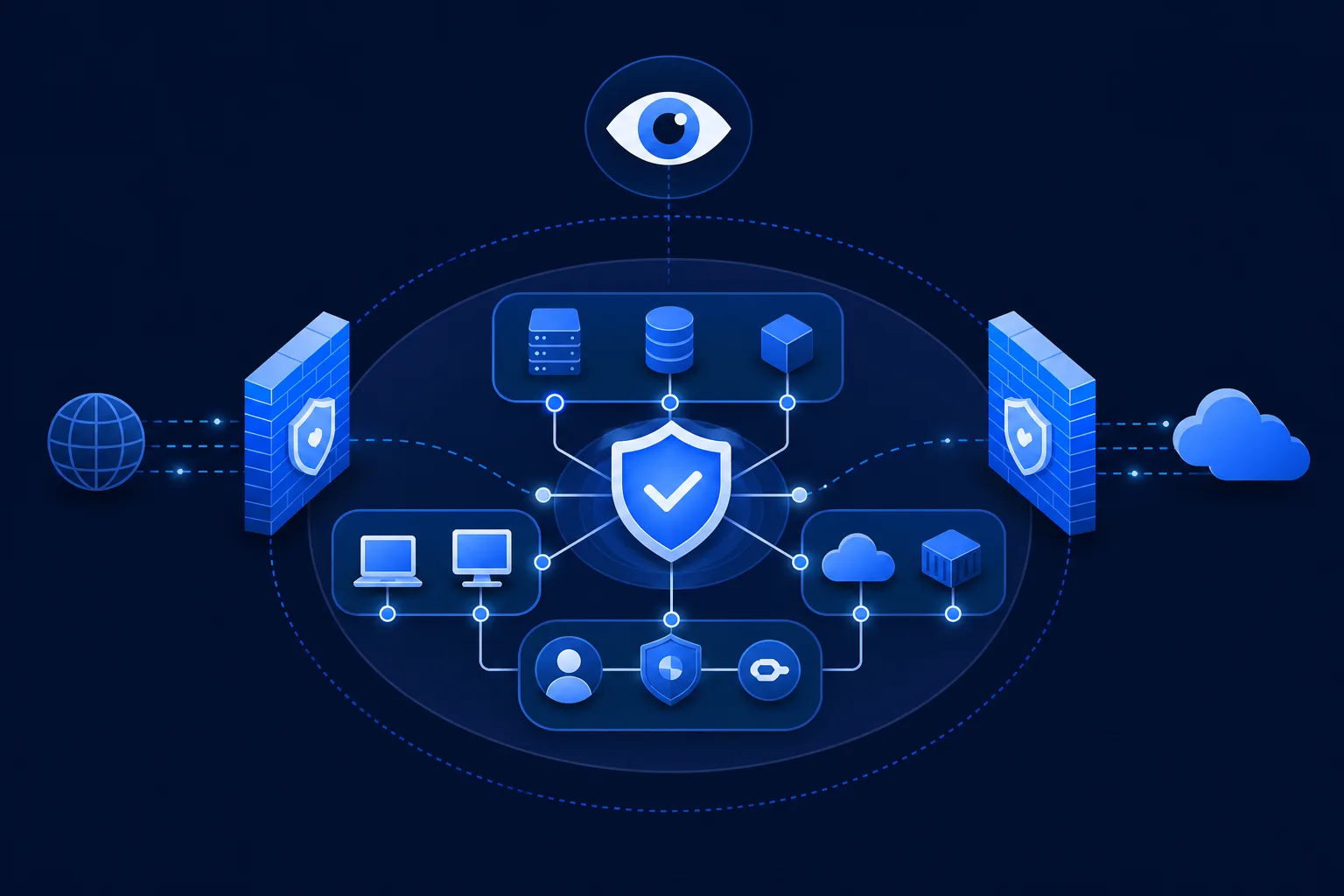
    Network security management is the ongoing practice of protecting a network from threats while keeping it available and performing. It combines controls like firewalls and segmentation with continuous monitoring and a plan for when something goes wrong.

    Network security management basics

    • It protects the network without sacrificing availability.
    • Core controls include firewalls, segmentation, and access control.
    • Monitoring turns controls into active defense.
    • It is continuous, not a one-time setup.

    Balancing security and availability

    The hard part of network security is that the network still has to work. Lock it down too tightly and you break the business; leave it open and you invite attack. Good network security management finds the balance: strong controls that do not get in the way of legitimate work.

    The core controls

    Control What it does
    Firewalls Filter traffic in and out of the network
    Segmentation Limit how far an intruder can move
    Access control Ensure only the right people reach the right systems
    Monitoring Detect suspicious activity in real time

    Why monitoring is essential

    Controls set the rules, but monitoring is what catches the rule-breakers. Watching network traffic for unusual patterns turns a static defense into an active one, so an intrusion is spotted and stopped rather than discovered weeks later.

    How providers deliver it

    Providers manage network security across many clients from central platforms, applying consistent controls, watching traffic around the clock, and responding to incidents. That scale is what makes strong network security affordable for smaller organizations.

    Frequently asked questions

    What is network security management?

    It is the ongoing practice of protecting a network from threats while keeping it available, combining controls, monitoring, and incident response.

    What are the core network security controls?

    Firewalls, network segmentation, access control, and continuous monitoring are the foundation of most network security programs.

    Why is monitoring important?

    Controls set the rules but monitoring catches violations in real time, turning a static defense into one that actively detects and stops intrusions.


  • Hardware Virtualization: What It Is and Why It Powers Modern IT

    Hardware Virtualization: What It Is and Why It Powers Modern IT

    Hardware Virtualization: What It Is and Why It Powers Modern IT

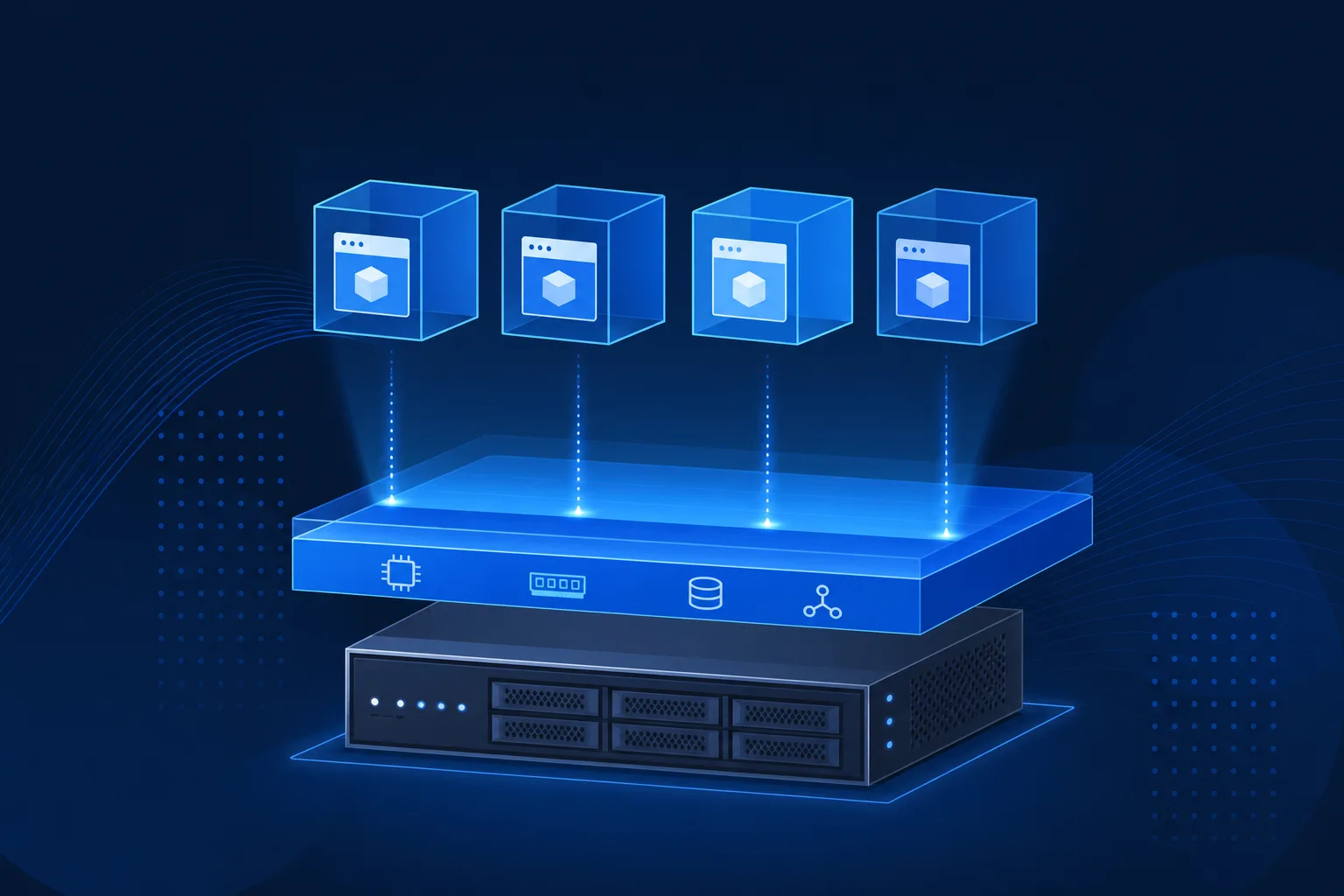
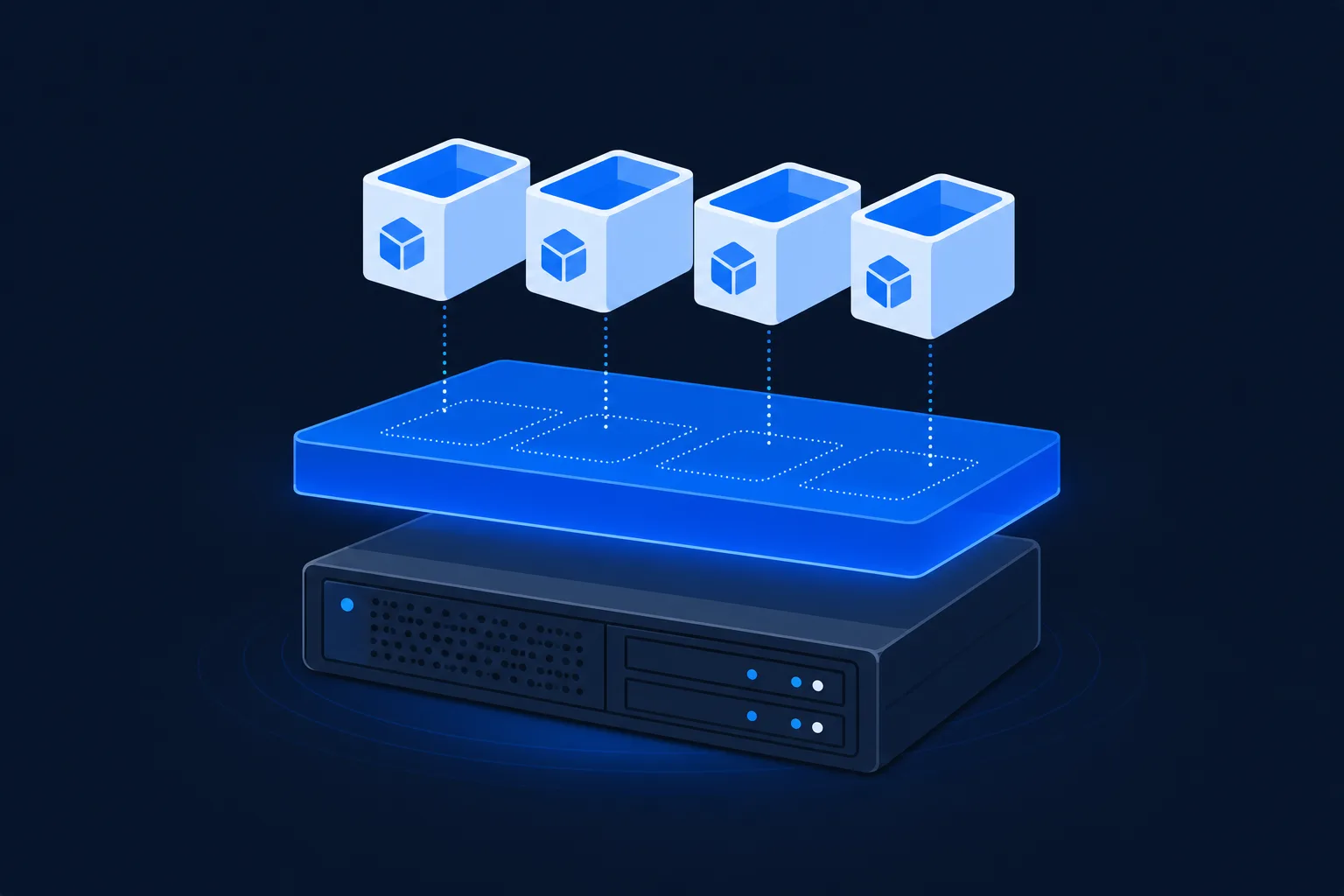
    Hardware virtualization is technology that lets one physical computer run multiple independent virtual machines, each behaving like its own separate computer. A layer called a hypervisor divides the physical hardware so several systems can share it safely.

    Hardware virtualization basics

    • It runs many virtual machines on one physical server.
    • A hypervisor manages and isolates each virtual machine.
    • It improves hardware use, flexibility, and recovery.
    • Most modern servers support it in the CPU.

    What hardware virtualization does

    Instead of dedicating a whole physical server to one job, virtualization splits it into multiple virtual machines. Each has its own operating system and applications and runs as if it were a standalone computer, even though several share the same physical hardware underneath.

    Hypervisor and virtual machines
    A hypervisor divides one physical server into many virtual machines.

    The role of the hypervisor

    The hypervisor is the software layer that makes this possible. It allocates the physical processor, memory, and storage to each virtual machine and keeps them isolated so one cannot interfere with another. This isolation is what makes virtualization both safe and efficient.

    Why it matters

    • Better hardware use: one server does the work of many
    • Flexibility: spin up or move machines quickly
    • Recovery: virtual machines are easier to back up and restore
    • Cost: fewer physical servers to buy and power

    Enabling hardware virtualization

    Most modern processors include virtualization support, but it sometimes must be turned on in the system firmware. Once enabled, a hypervisor can create and manage virtual machines on that hardware.

    Frequently asked questions

    What is hardware virtualization?

    It is technology that lets one physical computer run multiple isolated virtual machines, each acting like a separate computer, managed by a hypervisor.

    What is a hypervisor?

    A hypervisor is the software layer that creates virtual machines, allocates physical resources to them, and keeps them isolated from each other.

    How do I enable hardware virtualization?

    Virtualization support is usually built into modern CPUs but may need to be enabled in the system firmware settings before a hypervisor can use it.


  • Cybersecurity Services: What They Cover and How to Prioritize

    Cybersecurity Services: What They Cover and How to Prioritize

    Cybersecurity Services: What They Cover and How to Prioritize

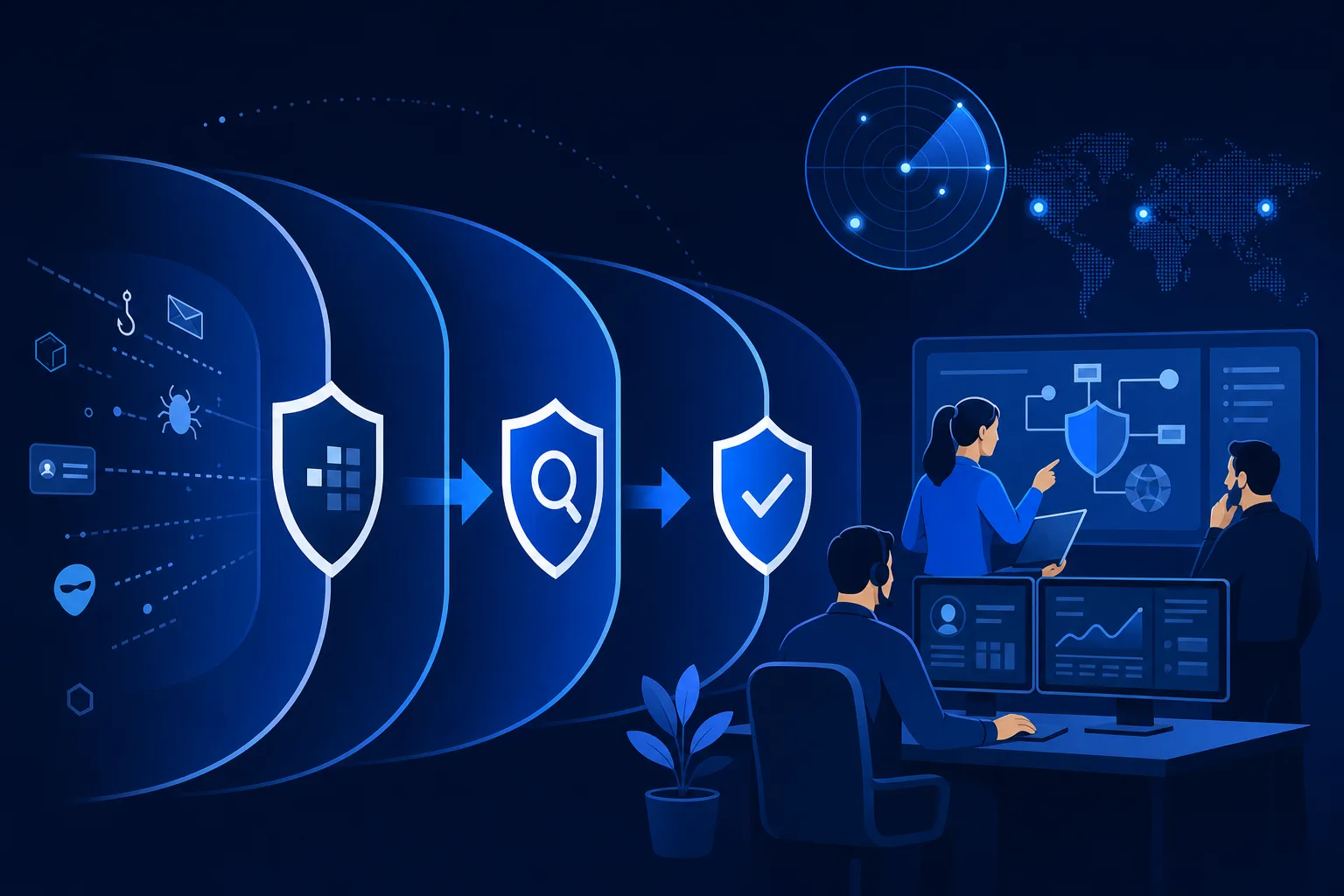
    Cybersecurity services are the protections a business puts in place to defend its systems and data, from prevention like firewalls and training to detection and response when an attack gets through. The right mix depends on the risks a business actually faces.

    Cybersecurity services in brief

    • They span prevention, detection, and response.
    • Priorities should follow the biggest real risks first.
    • No single service is enough on its own; layers matter.
    • Providers deliver them as ongoing managed services.

    The categories of cybersecurity services

    Category Examples
    Prevent Firewalls, email filtering, training, patching
    Detect Endpoint detection, monitoring, threat hunting
    Respond Incident response, containment, recovery
    Govern Risk assessment, compliance, policy
    Cybersecurity layers prevent detect respond
    Cybersecurity services span prevention, detection, and response.

    How to prioritize

    Not every business needs every service on day one. Start with the controls that address the most likely and most damaging risks: email security and training, because email is the top attack path; backups, because ransomware is common; and endpoint protection. Build from there based on a risk assessment.

    Prevention is not enough

    Every prevention layer eventually fails against a determined attacker. That is why detection and response matter: the goal is not just to keep attackers out, but to catch them fast and limit the damage when they get in. A balanced program invests in both.

    How providers deliver cybersecurity services

    Most businesses buy cybersecurity services from a provider who runs the tools and staffs the response, because doing it in-house requires people and expertise that are hard to hire. The provider spreads that capability across many clients.

    Frequently asked questions

    What are cybersecurity services?

    They are the protections a business uses to defend systems and data, spanning prevention, detection, response, and governance.

    Which cybersecurity services should I start with?

    Begin with the highest-impact basics: email security and user training, reliable backups, and endpoint protection, then expand based on a risk assessment.

    Can I handle cybersecurity in-house?

    Some organizations can, but most lack the staff and expertise for 24/7 coverage, which is why cybersecurity services are commonly delivered by a provider.


  • IT Service Desk: How It Differs from a Help Desk and Why It Matters

    IT Service Desk: How It Differs from a Help Desk and Why It Matters

    IT Service Desk: How It Differs from a Help Desk and Why It Matters

    An IT service desk is the single point of contact between users and IT, managing not just problems but the full lifecycle of IT services: incidents, requests, and changes. It is broader than a help desk, which focuses mainly on fixing issues.

    Service desk essentials

    • A service desk is the single point of contact for all IT needs.
    • It handles incidents, service requests, and changes, not just fixes.
    • It is a core concept in the ITIL framework.
    • It gives users one predictable place to go.

    Service desk versus help desk

    The terms overlap, but there is a real distinction. A help desk is tactical: it resolves user issues. A service desk is strategic: it is the front door to all of IT, coordinating requests, changes, and incidents against defined processes. Every service desk includes help desk functions, but not every help desk is a service desk.

    Service desk vs help desk scope
    A service desk manages incidents, requests, and changes as one point of contact.

    The role of ITIL

    The IT service desk is central to ITIL, the widely used framework for IT service management. ITIL defines how incidents, requests, and changes should flow, and the service desk is where those processes meet the user. Following a framework keeps service consistent as an organization grows.

    What a service desk manages

    • Incidents: something is broken and needs fixing
    • Service requests: a user needs access, hardware, or software
    • Changes: coordinated updates to systems
    • Knowledge: documented answers that speed resolution

    How MSPs run a service desk

    For an MSP, a well-run service desk is the operational heart of the relationship. It gives clients one number to call, applies consistent processes across every ticket, and produces the reporting that proves the service is meeting its commitments.

    Frequently asked questions

    What is the difference between a service desk and a help desk?

    A help desk fixes user issues; a service desk is broader, managing incidents, requests, and changes as the single point of contact for all IT.

    What is ITIL?

    ITIL is a framework for IT service management that defines consistent processes for handling incidents, requests, and changes. The service desk is central to it.

    Does a small business need a service desk?

    Even small organizations benefit from one predictable point of contact and consistent processes, which a service desk provides, often through an MSP.


  • IT Managed Service Provider: What an MSP Does and How to Pick One

    IT Managed Service Provider: What an MSP Does and How to Pick One

    IT Managed Service Provider: What an MSP Does and How to Pick One

    An IT managed service provider, or MSP, is a company that takes ongoing responsibility for a client’s technology: support, monitoring, security, and maintenance, delivered as a subscription. Instead of fixing problems after they happen, an MSP works to prevent them.

    What an MSP is

    • An MSP manages a client’s IT as an ongoing service.
    • It shifts IT from reactive fixes to proactive prevention.
    • Services span help desk, monitoring, security, and strategy.
    • Pricing is typically a predictable monthly fee.

    What an IT managed service provider does

    An MSP becomes the IT department, or backs one up. It monitors systems around the clock, runs the help desk, keeps software patched, manages security, and advises on technology decisions. The model is preventive: catch and fix issues before they cause downtime.

    Services a typical MSP offers

    • Help desk and end-user support
    • 24/7 monitoring and maintenance
    • Cybersecurity and backup
    • Cloud and infrastructure management
    • Technology strategy and planning

    How MSP pricing works

    Most MSPs charge a predictable monthly fee, usually per user or per device. That predictability is part of the appeal: instead of surprise repair bills, you budget a steady amount and the provider is motivated to prevent problems rather than bill for them.

    How to choose an MSP

    Weigh response commitments, security depth, references in your industry, and whether the provider documents its work. The cheapest option often leaves gaps that surface at the worst time. Fit and reliability matter more than the lowest price.

    Frequently asked questions

    What does an IT managed service provider do?

    An MSP takes ongoing responsibility for a client’s technology, including support, monitoring, security, and maintenance, usually for a monthly fee.

    How much does an MSP cost?

    Most MSPs charge per user or per device each month. The scope of services and response commitments determine the price.

    What is the difference between an MSP and break-fix IT?

    Break-fix charges to fix problems after they occur; an MSP works proactively to prevent them under a subscription.


  • What Is VoIP? A Plain-Language Explanation for Businesses

    What Is VoIP? A Plain-Language Explanation for Businesses

    What Is VoIP? A Plain-Language Explanation for Businesses

    What is VoIP? VoIP, or Voice over Internet Protocol, is technology that lets you make phone calls over the internet instead of over traditional phone lines. Your voice is converted into data and sent across the same connection your business uses for everything else.

    VoIP explained

    • VoIP sends calls as data over the internet.
    • It replaces traditional copper phone lines.
    • It is usually cheaper and easier to scale.
    • Call quality depends on a solid network.

    How VoIP works

    When you speak into a VoIP phone, the audio is broken into small data packets, sent across the internet, and reassembled on the other end. A hosted platform handles the routing, so a call to a normal phone number connects the way any call would, just carried over a different path.

    How VoIP converts voice to data
    VoIP converts your voice into data packets sent over the internet.

    Why businesses choose VoIP

    The appeal comes down to cost, flexibility, and features. VoIP is typically billed per user per month and avoids the per-line charges of legacy systems. Adding a new user takes minutes, and features like call routing, voicemail-to-email, and mobile apps usually come included.

    What you need to run it

    The main requirement is a stable internet connection with enough bandwidth and low latency. Because voice is sensitive to delay, prioritizing voice traffic on the network keeps calls clear. Beyond that, VoIP runs on desk phones, computers, or mobile apps.

    VoIP for managed service providers

    For an MSP already running a client’s network, VoIP is a natural service to add. One provider handles connectivity and voice together, with the same monitoring and support desk behind both.

    Frequently asked questions

    What does VoIP stand for?

    VoIP stands for Voice over Internet Protocol, the technology that carries phone calls over the internet instead of traditional phone lines.

    Is VoIP reliable?

    VoIP is reliable when the underlying network is solid. Adequate bandwidth, low latency, and voice traffic prioritization keep call quality high.

    Can I keep my phone number with VoIP?

    Yes. Existing business numbers can almost always be ported to a VoIP provider so you keep them.


  • Co-Managed IT Services: Sharing the Load with an Internal Team

    Co-Managed IT Services: Sharing the Load with an Internal Team

    Co-Managed IT Services: Sharing the Load with an Internal Team

    Co-managed IT services is a model where an internal IT team and an external provider share responsibility for a company’s technology. The internal team keeps the work it does best, and the provider fills gaps in coverage, skills, or tools.

    The co-managed model at a glance

    • It splits IT work between an internal team and a provider.
    • The internal team keeps strategic and hands-on work; the provider fills gaps.
    • It scales support without expanding headcount.
    • Clear role definition is what makes it work.

    What co-managed means in practice

    Rather than replacing an internal team, co-managed IT services back it up. The provider might run the after-hours help desk, supply security tools the team cannot staff, or take on patching and monitoring while the internal staff focus on projects and users.

    How responsibilities split

    The split is negotiated, but common patterns include the provider owning monitoring, security operations, and after-hours coverage, while the internal team owns user relationships, strategy, and daily hands-on support. The key is writing down who owns what so nothing falls between the two.

    Co-managed IT responsibility split
    Responsibilities split between the internal team and the provider.

    When co-managed beats full outsourcing

    Co-managed fits firms that have a capable internal team but face gaps: not enough people for 24/7 coverage, missing security expertise, or a tool budget that is hard to justify for one company. It keeps institutional knowledge in-house while adding reach.

    Making the partnership work

    Shared tools, shared documentation, and regular check-ins keep both sides aligned. The failure mode is ambiguity about ownership, which leads to dropped tickets and finger-pointing. Define the boundaries up front.

    Frequently asked questions

    What is the difference between co-managed and fully outsourced IT?

    Fully outsourced hands all IT to a provider; co-managed keeps an internal team and adds a provider to fill specific gaps.

    Who is co-managed IT best for?

    Firms that already have IT staff but need more coverage, specialized skills, or tools than the internal team can provide alone.

    Does co-managed IT cause conflict with internal staff?

    Not when roles are clearly defined. The model is designed to support internal teams, not replace them, which usually reduces their workload.