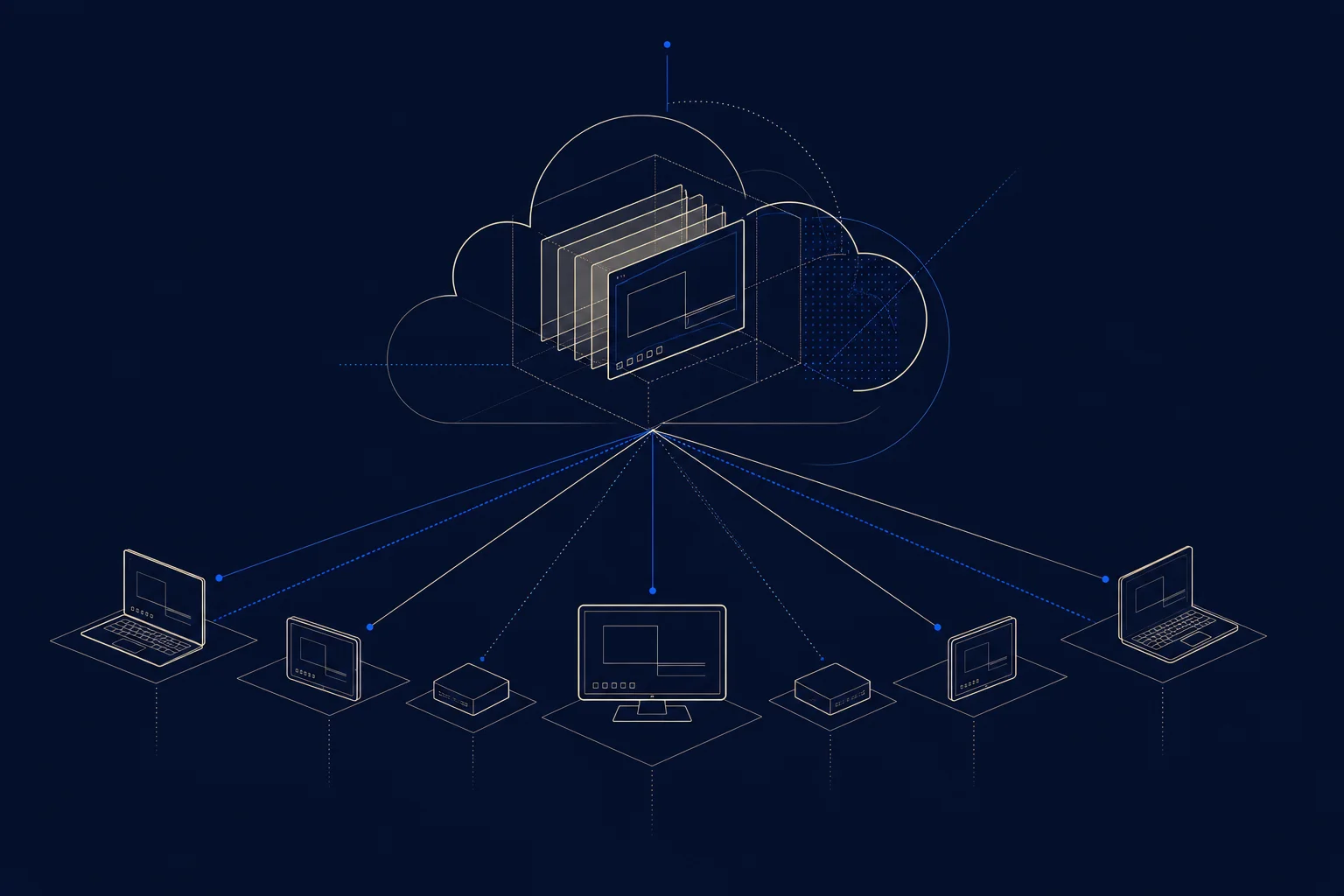
Desktop Virtualization: VDI, DaaS, and the Shift to the Cloud
By The Uptime Report editorial team · Last updated October 2026
Desktop virtualization delivers a user’s entire desktop from a central server or the cloud instead of a physical PC. The model is shifting fast to the cloud: an estimated 80% of virtual desktops will be delivered via DaaS by 2026, up from about 30% in 2021.
Key takeaways
- Desktop virtualization delivers a full desktop from a server or the cloud.
- 80% of virtual desktops will be DaaS-delivered by 2026, up from 30% in 2021.
- 63% of organizations rely solely on DaaS to support remote work.
- DaaS can cut PC costs about 17%; 41% of IT teams report lower operating costs.
- One firm cut IT support calls 40% after adopting VDI.
What is desktop virtualization?
Desktop virtualization separates a user’s desktop, operating system, applications, and data, from the physical device. The desktop runs on a central server or in the cloud, and the user accesses it from any device. This centralizes management, security, and updates. The approach is moving decisively to the cloud: Ace Cloud Hosting reports 80% of virtual desktops will be DaaS-delivered by 2026, up from about 30% in 2021.
What is the difference between VDI and DaaS?
| VDI | DaaS | |
|---|---|---|
| Hosting | Your own data center | The provider’s cloud |
| Management | You run the infrastructure | Provider runs it |
| Cost model | Upfront plus ongoing | Subscription |
VDI is on-premise virtual desktop infrastructure you operate; DaaS (Desktop as a Service) is the same idea delivered from a provider’s cloud. The market is shifting from VDI to DaaS, with 63% of organizations now relying solely on DaaS for remote work.
What are the benefits of desktop virtualization?
- Centralized management: update and secure desktops from one place.
- Lower support load: one firm cut IT support calls 40% after VDI.
- Cost savings: DaaS cuts PC costs about 17%; 41% of IT teams report lower operating costs.
- Remote work: users get a full desktop from any device.
Is desktop virtualization right for your business?
It fits organizations with distributed or remote workers, strict security needs, or a desire to centralize IT management. The move to DaaS has lowered the barrier: instead of building VDI infrastructure, you subscribe to desktops from a provider. For an MSP, DaaS is a service it can deliver and manage, reducing the support burden of maintaining physical machines across many client sites (Ace Cloud Hosting tracks VDI and DaaS data).
Frequently asked questions
What is desktop virtualization?
Technology that delivers a user’s entire desktop from a central server or the cloud instead of a physical PC, centralizing management and security.
What is the difference between VDI and DaaS?
VDI is on-premise virtual desktop infrastructure you run yourself; DaaS (Desktop as a Service) is the same delivered from a provider’s cloud as a subscription.
Why are businesses moving to DaaS?
For lower cost and less management. 80% of virtual desktops will be DaaS-delivered by 2026, and 63% of organizations rely solely on DaaS for remote work.
What are the benefits of desktop virtualization?
Centralized management, lower IT support load (one firm cut calls 40%), cost savings of about 17% on PCs, and easy remote-work access.
Does desktop virtualization reduce IT support?
Yes. Centralized desktops reduce support volume; one financial-services firm reported a 40% drop in IT support calls after adopting VDI.
Is desktop virtualization good for remote work?
Yes. It gives users a full, secure desktop from any device, which is why 82% of companies offering remote work increasingly rely on it.
Leave a Reply